Built-in themes
Bookly provides a set of built-in themes that define the appearance of your book: parts, chapters, headings, mini tables of contents, callout boxes and equation boxes. All themes share the same API, so you can switch from one to another without touching your content.
Currently, Bookly includes the following built-in themes:
fancy(default)modernclassicobookorly(O’Reilly inspired)pretty
To apply a built-in theme, set the theme argument of the #bookly.with function to the desired theme. For example, to use the modern theme, you would write:
#show: bookly.with(
  theme: modern,
)
All built-in themes use the same default colors and fonts, which can be changed with the colors and fonts arguments of #bookly.with (see Fonts and colors). If none of the built-in themes fits your needs, you can combine them or write your own (see Custom themes).
Fancy
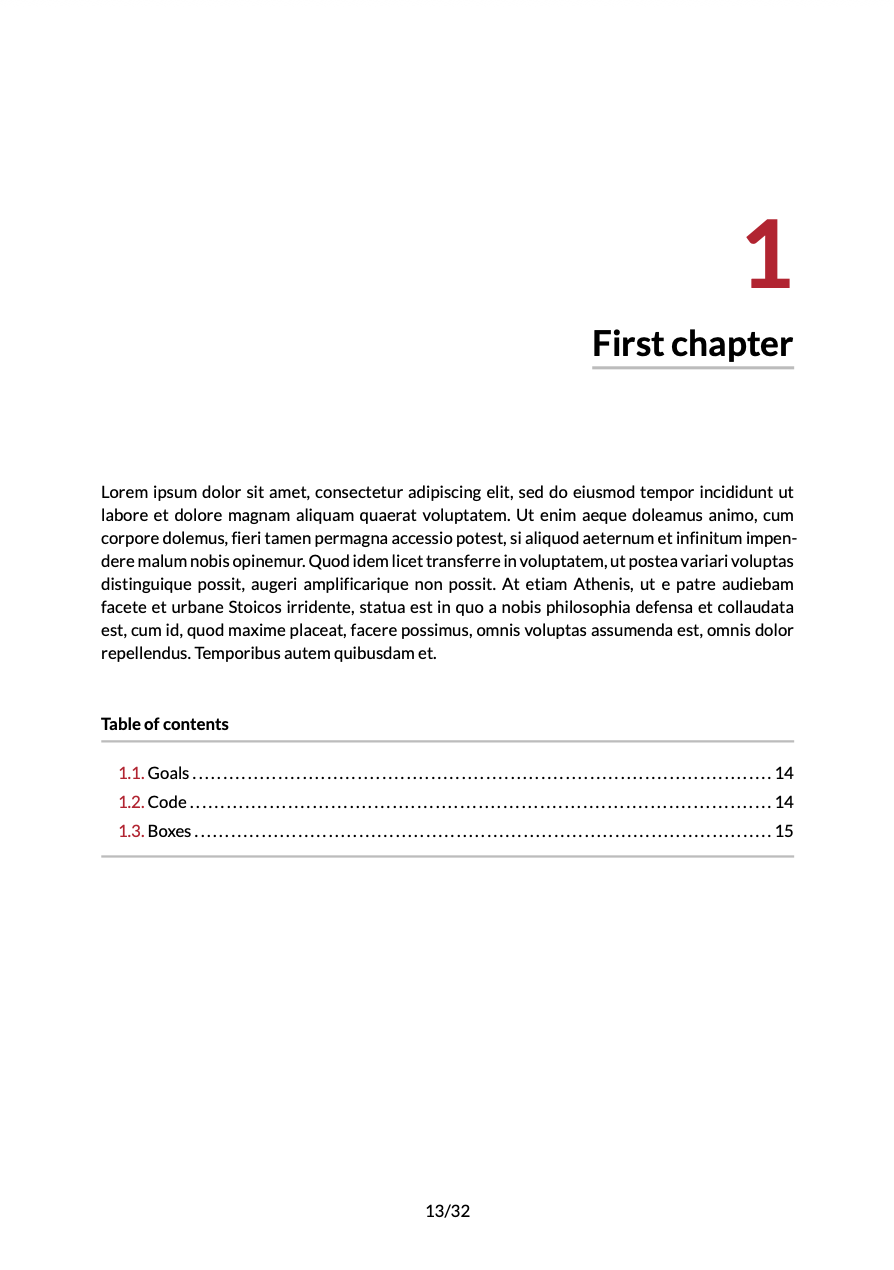
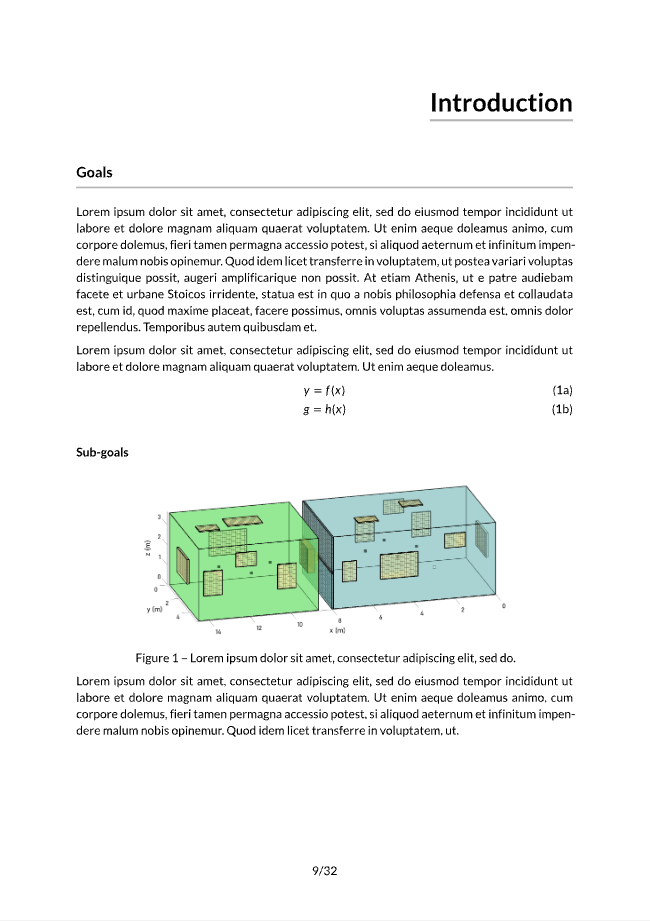
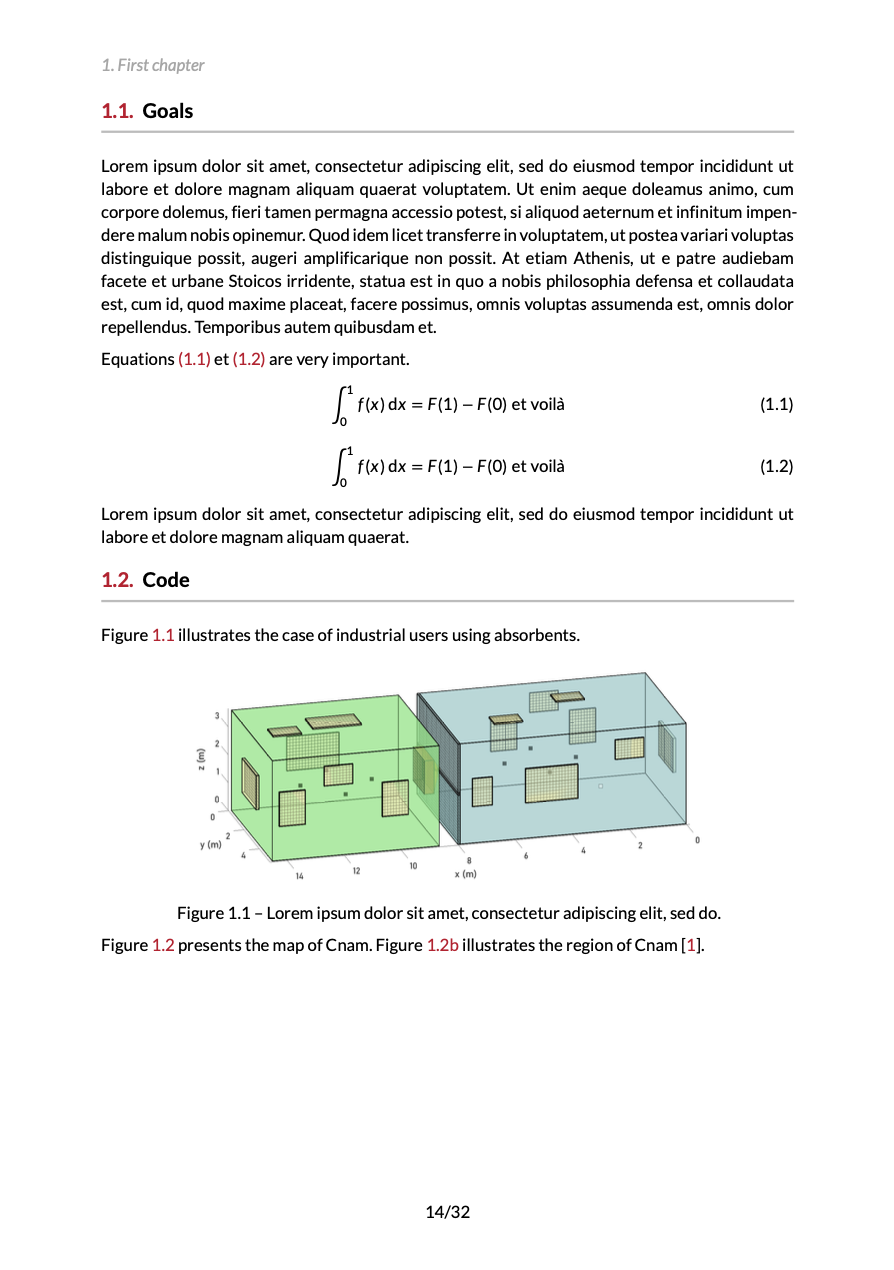
The fancy theme is the default theme of Bookly. Chapter openings display a large chapter number in the primary color, aligned to the right above the chapter title.
#show: bookly.with(theme: fancy)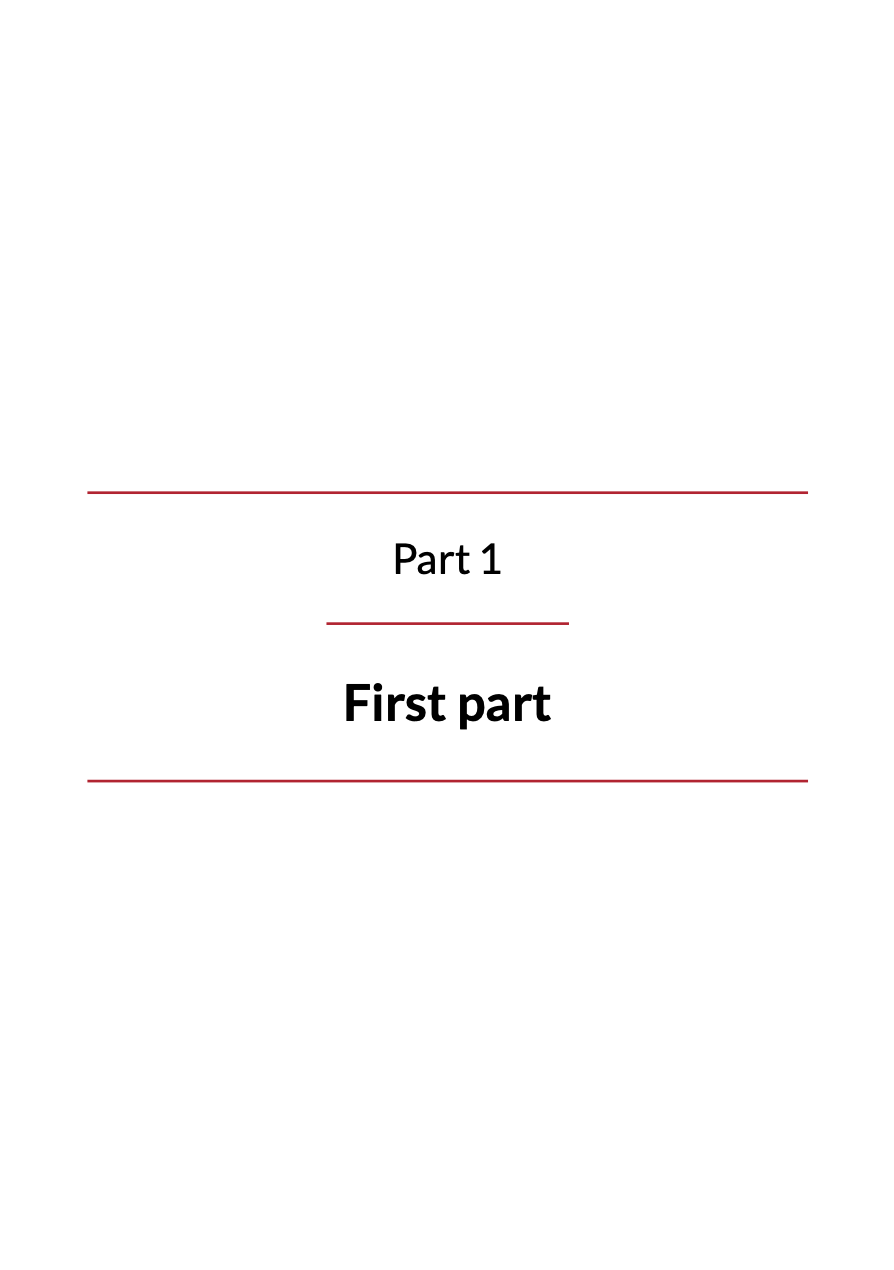
Modern
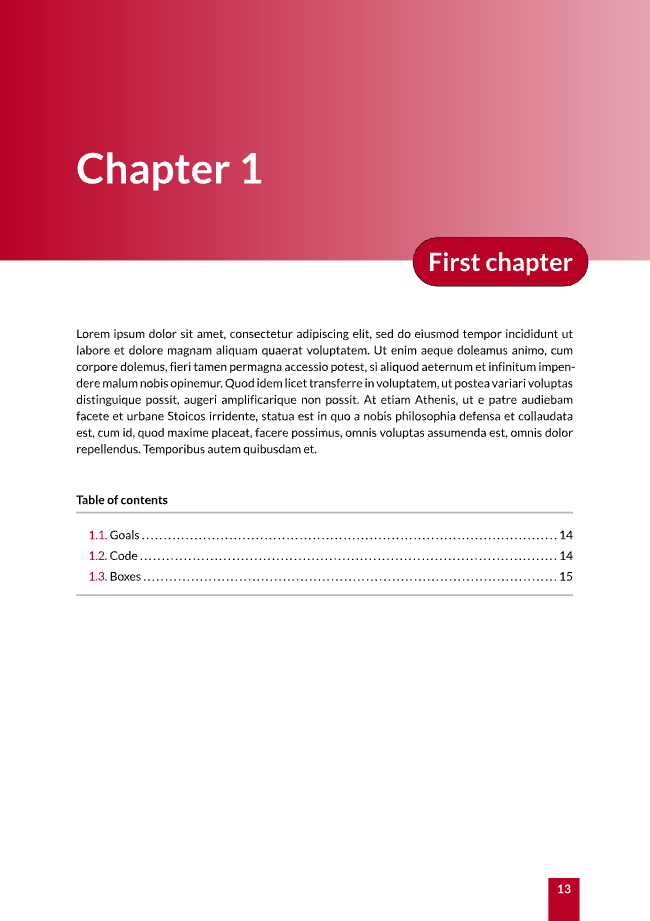
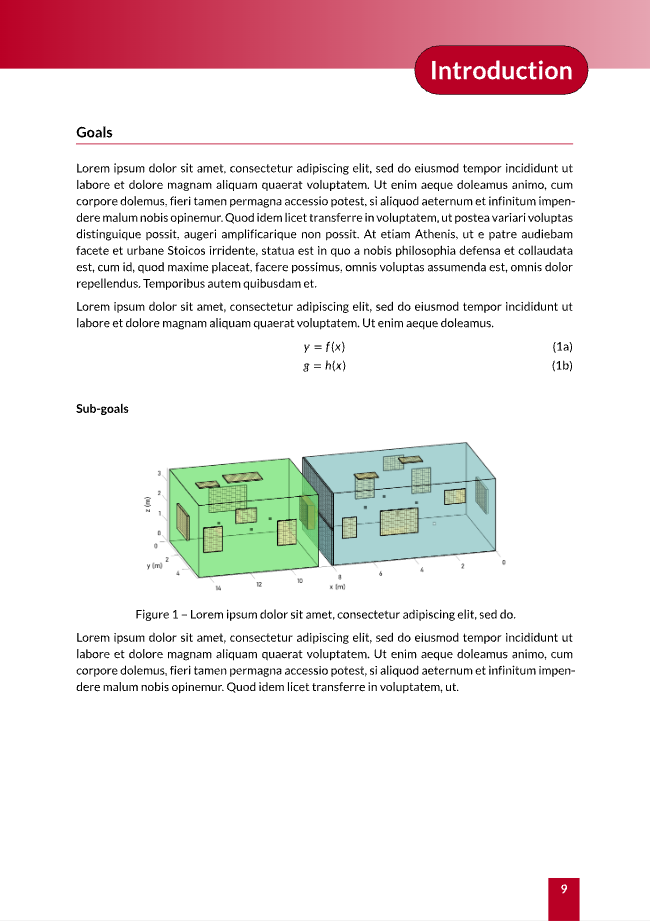
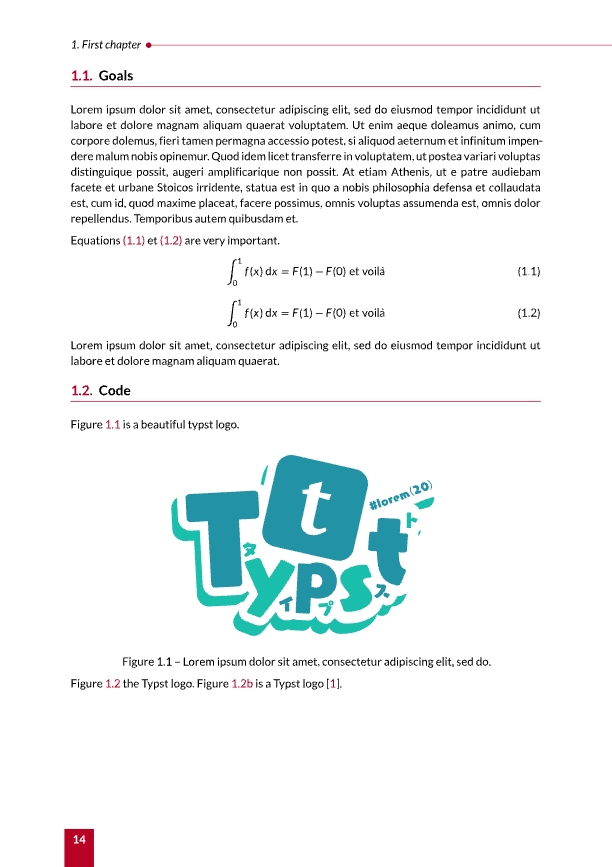
The modern theme opens chapters with a banner filled with a primary color gradient. The chapter title is displayed in a rounded label overlapping the banner.
#show: bookly.with(theme: modern)
Classic
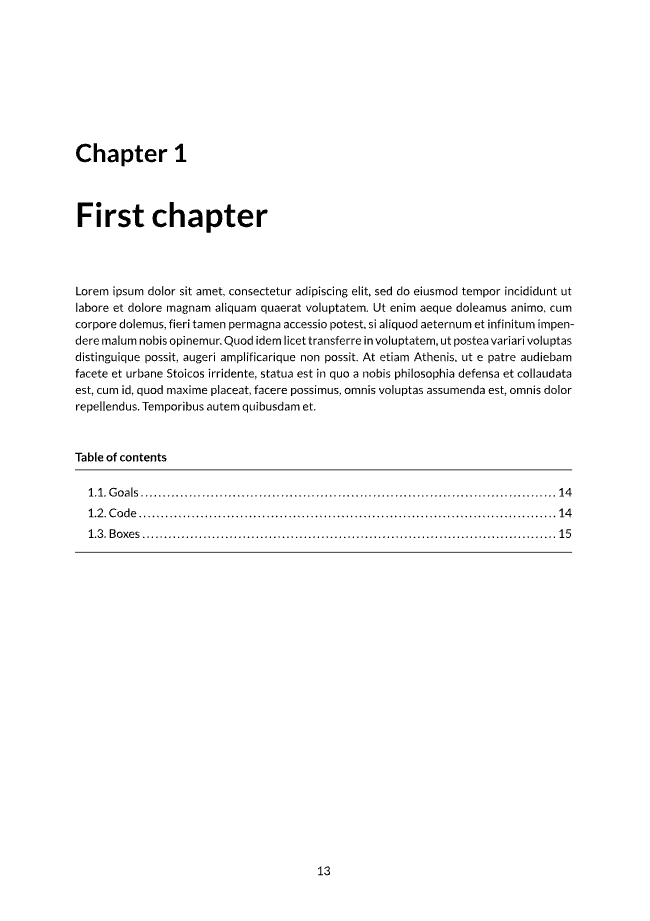
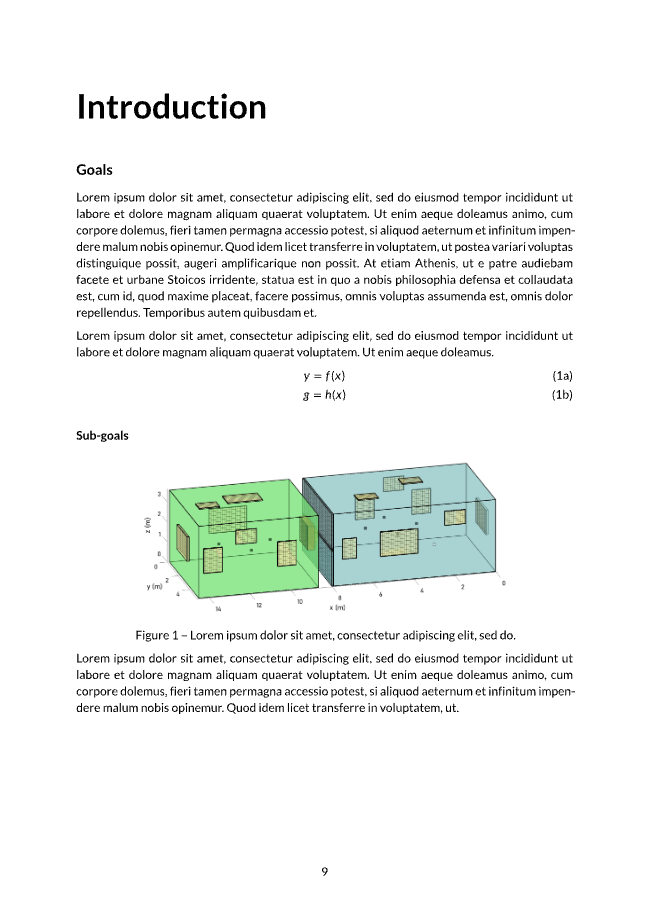
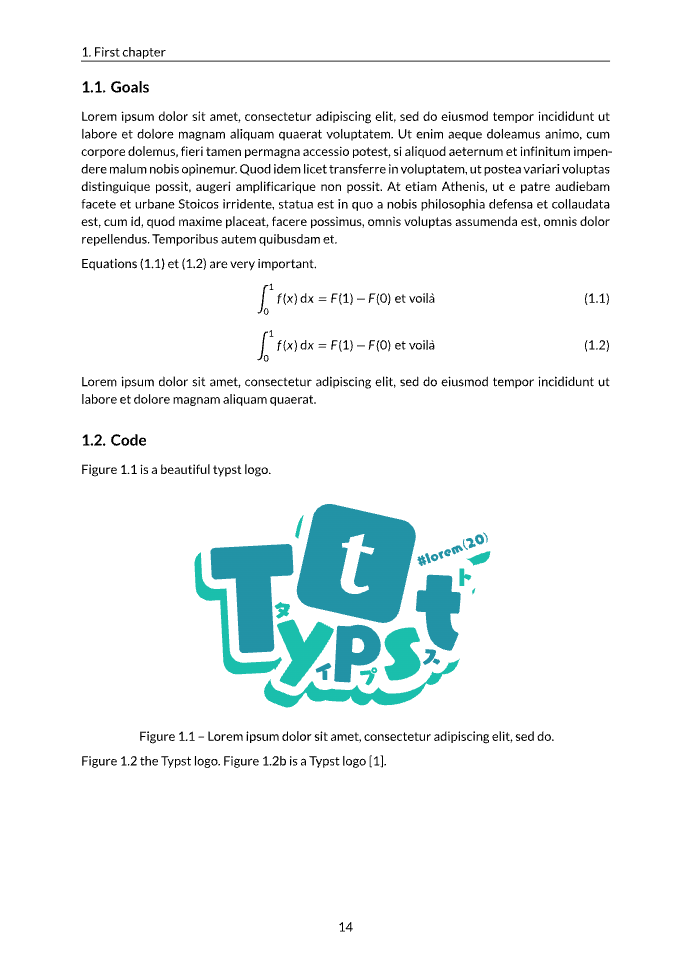
The classic theme is a sober theme with black headings and no colored ornaments, close to the look of traditional books.
#show: bookly.with(theme: classic)
Obook
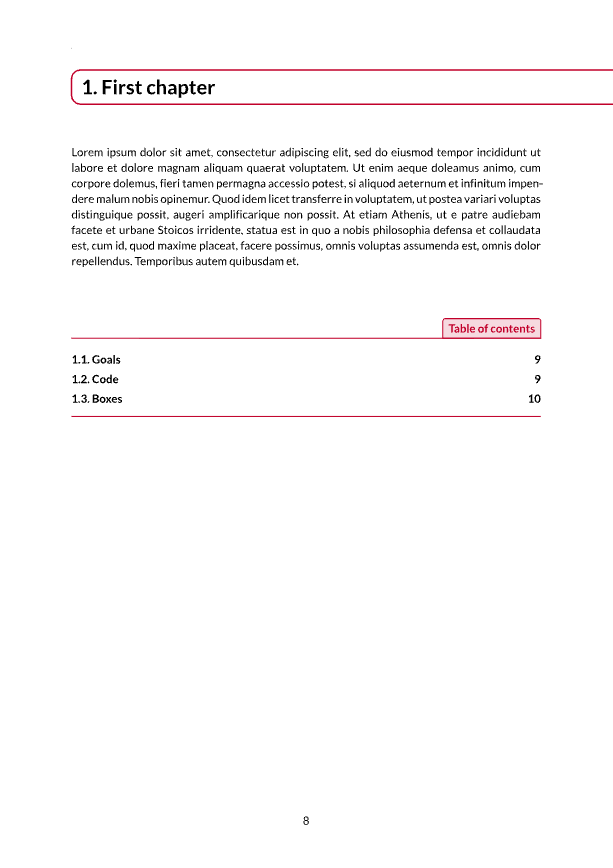
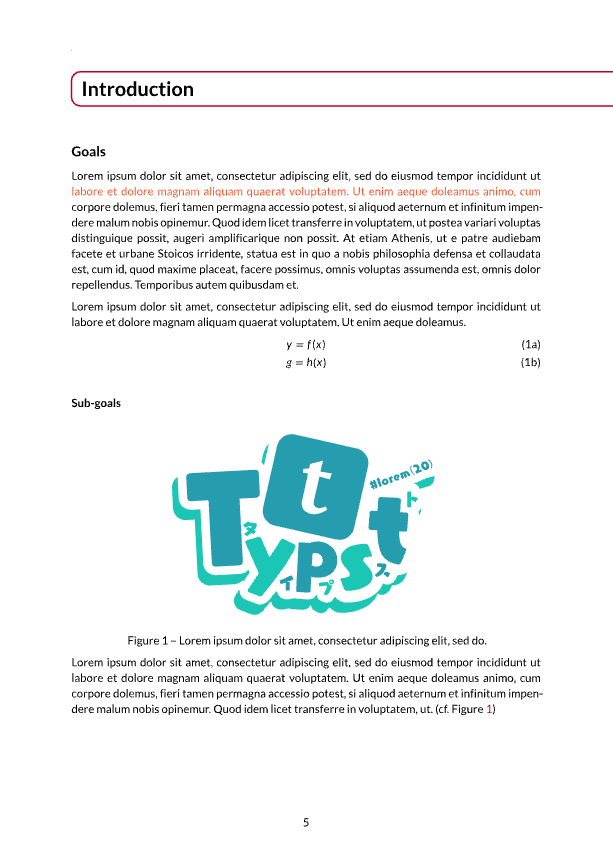
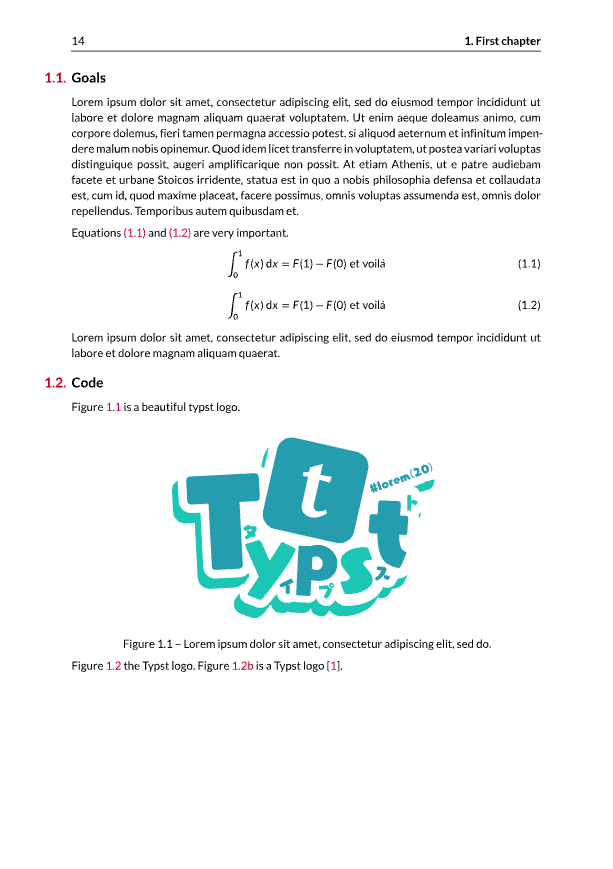
The obook theme frames chapter titles in a rounded box. Its mini table of contents uses partial-outline to show the chapters and sections of the current part.
#show: bookly.with(theme: obook)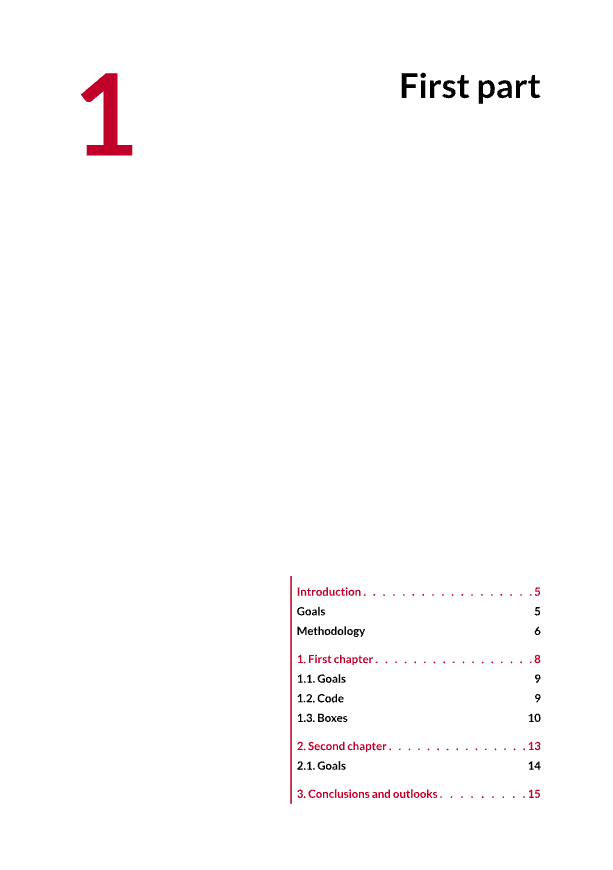
Orly
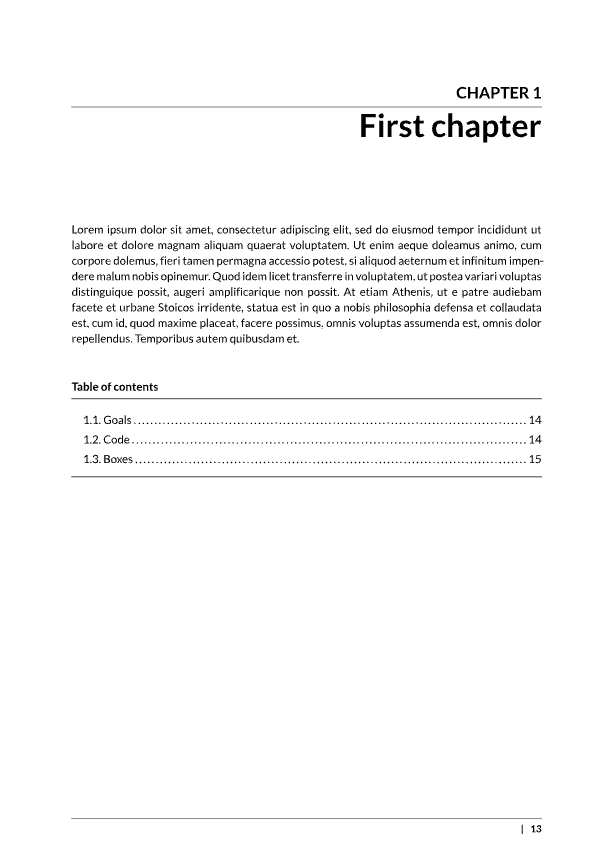
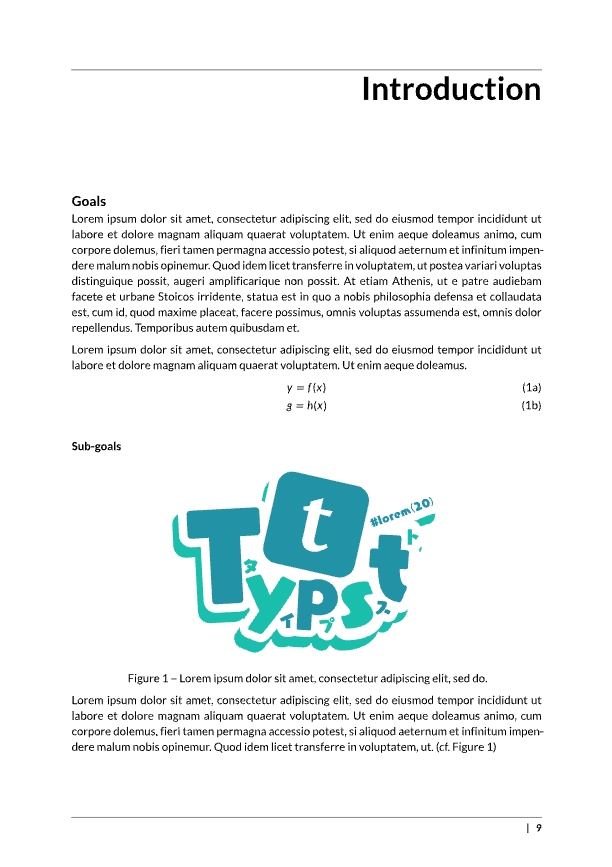
The orly theme is inspired by O’Reilly books. Chapter titles are right-aligned under an uppercase “CHAPTER” label and a horizontal rule.
#show: bookly.with(theme: orly)
Pretty
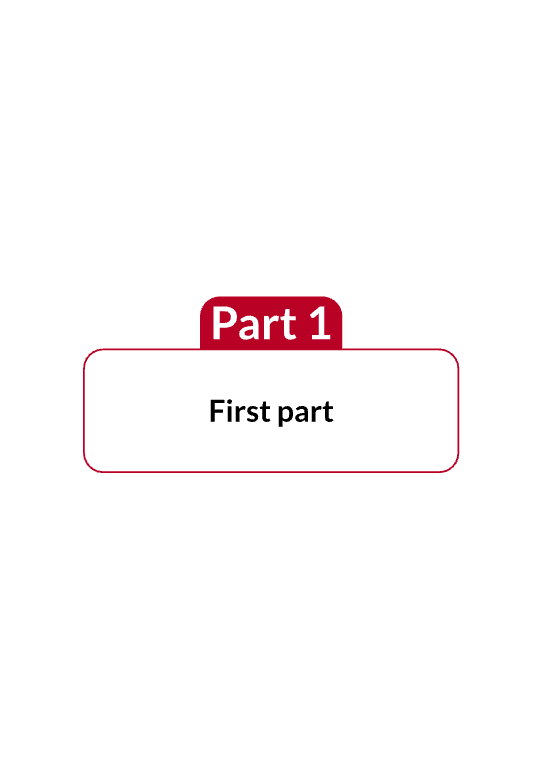
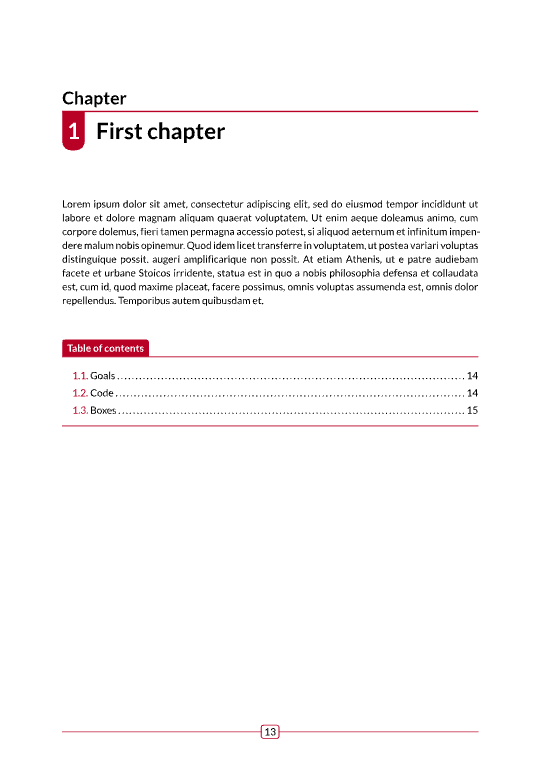
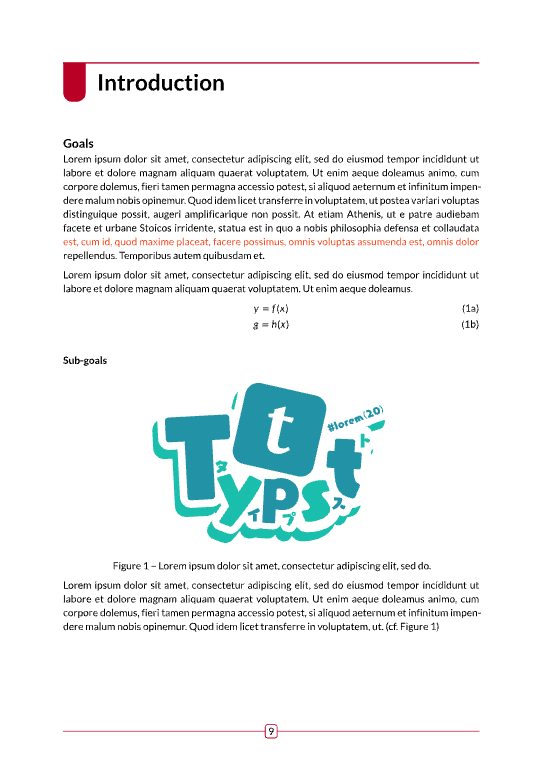
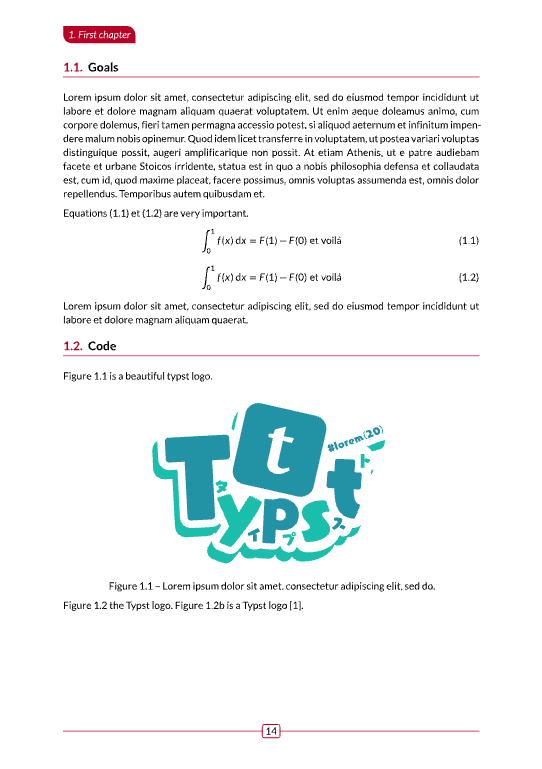
The pretty theme displays the chapter number in a colored badge next to the chapter title, and uses colored labels for the mini table of contents.
#show: bookly.with(theme: pretty)