One by one/Item by item
Using pausecan be tedious when you have a list of words or items that you want to reveal one by one. Slydekit provides two convenient functions, one-by-one and item-by-item, to simplify this process.
one-by-one and item-by-item has been borrowed from the Polylux package, with some adaptations to fit the Slydekit framework.One by one
one-by-one is a function that allows you to reveal words or phrases one at a time. It is particularly useful for emphasizing key points in a sentence or phrase.
#let one-by-one(
  start: 1,
  hide-color: none,
  hide-fn: none,
  ..children
)start – default: 1The starting step for the reveal. The first element will be revealed on this step.
hide-colorThe color to use for hidden elements. If set to none, the hidden elements will be completely invisible.
hide-fnA function that can be used to provide custom masking for hidden elements. If set to none, the default hiding behavior will be used.
..childrenThe list of words or phrases to be revealed one by one.
== `one-by-one` example

#one-by-one[I am ][not a ][ robot]


The previous results can be obtained by using pause as follows:
#slide[`#one-by-one` example][
  I am #pause not a #pause robot
]
Item by item
item-by-item is a function that allows you to reveal items in a list one at a time. It is particularly useful for emphasizing key points in a list.
#let item-by-item(
  start: 1,
  hide-color: none,
  hide-fn: none,
  body
)start – default: 1The starting step for the reveal. The first element will be revealed on this step.
hide-colorThe color to use for hidden elements. If set to none, the hidden elements will be completely invisible.
hide-fnA function that can be used to provide custom masking for hidden elements. If set to none, the default hiding behavior will be used.
bodyThe list of items to be revealed one by one. This can be a list, enumeration, or terms.
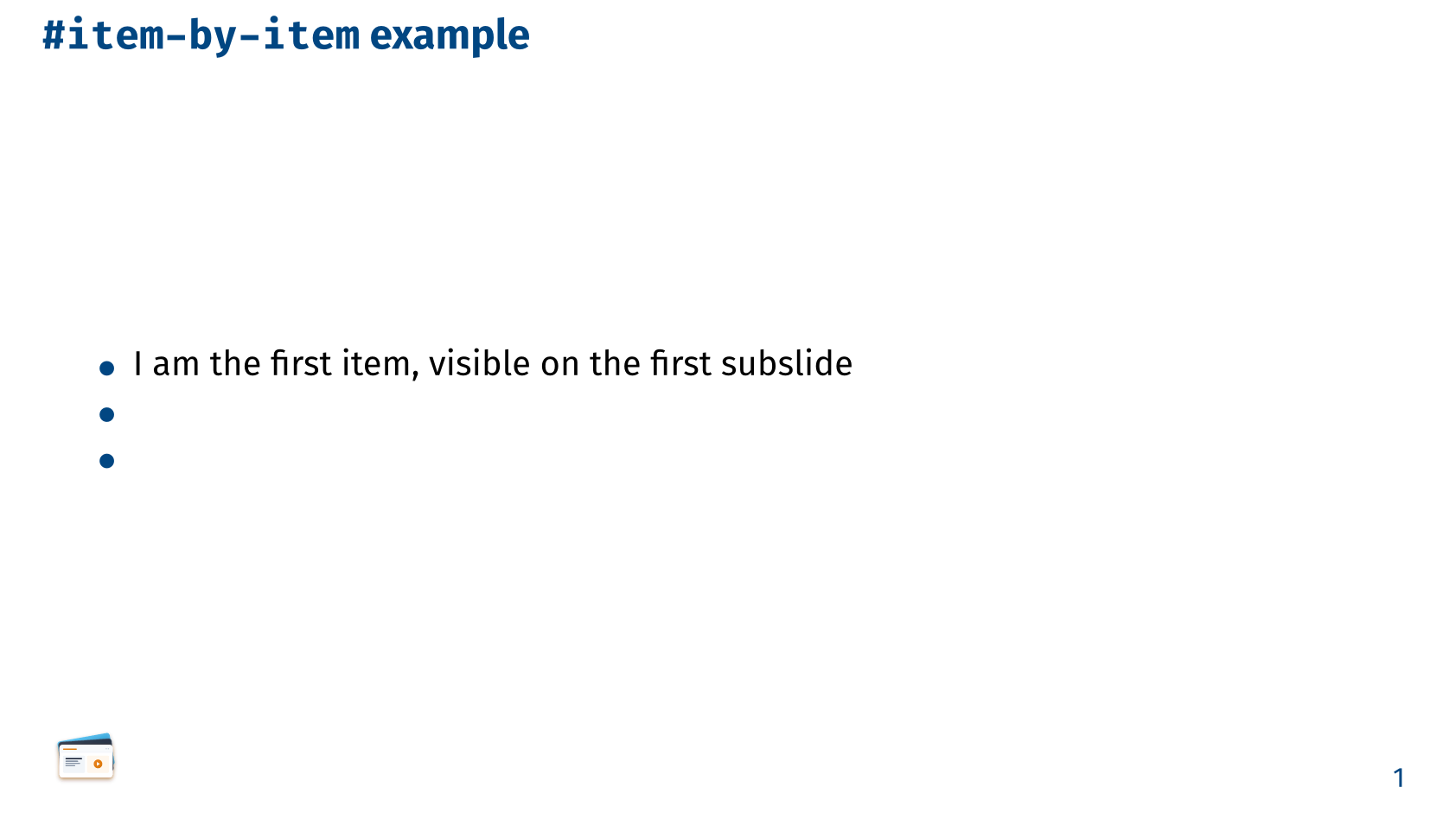
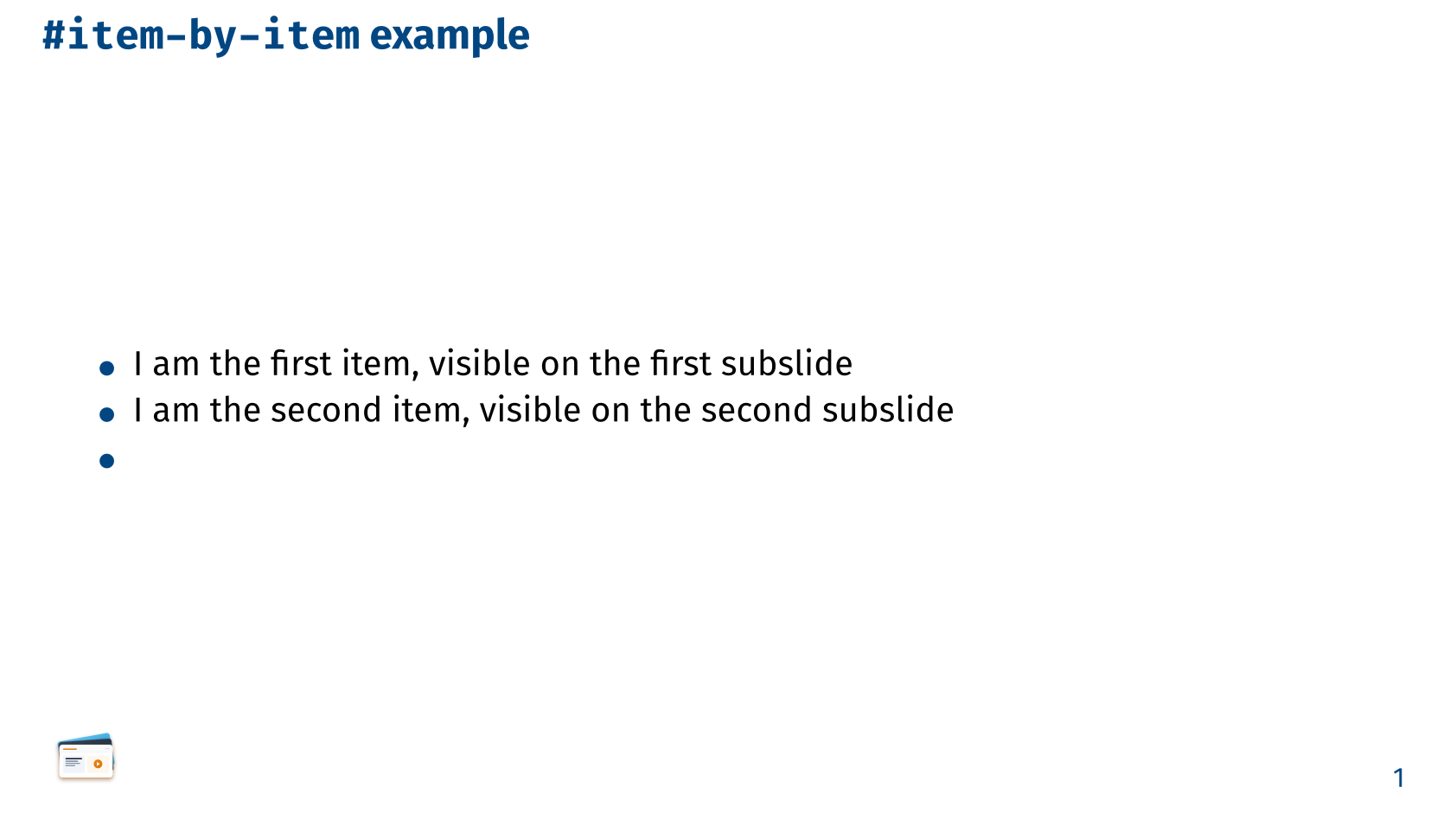
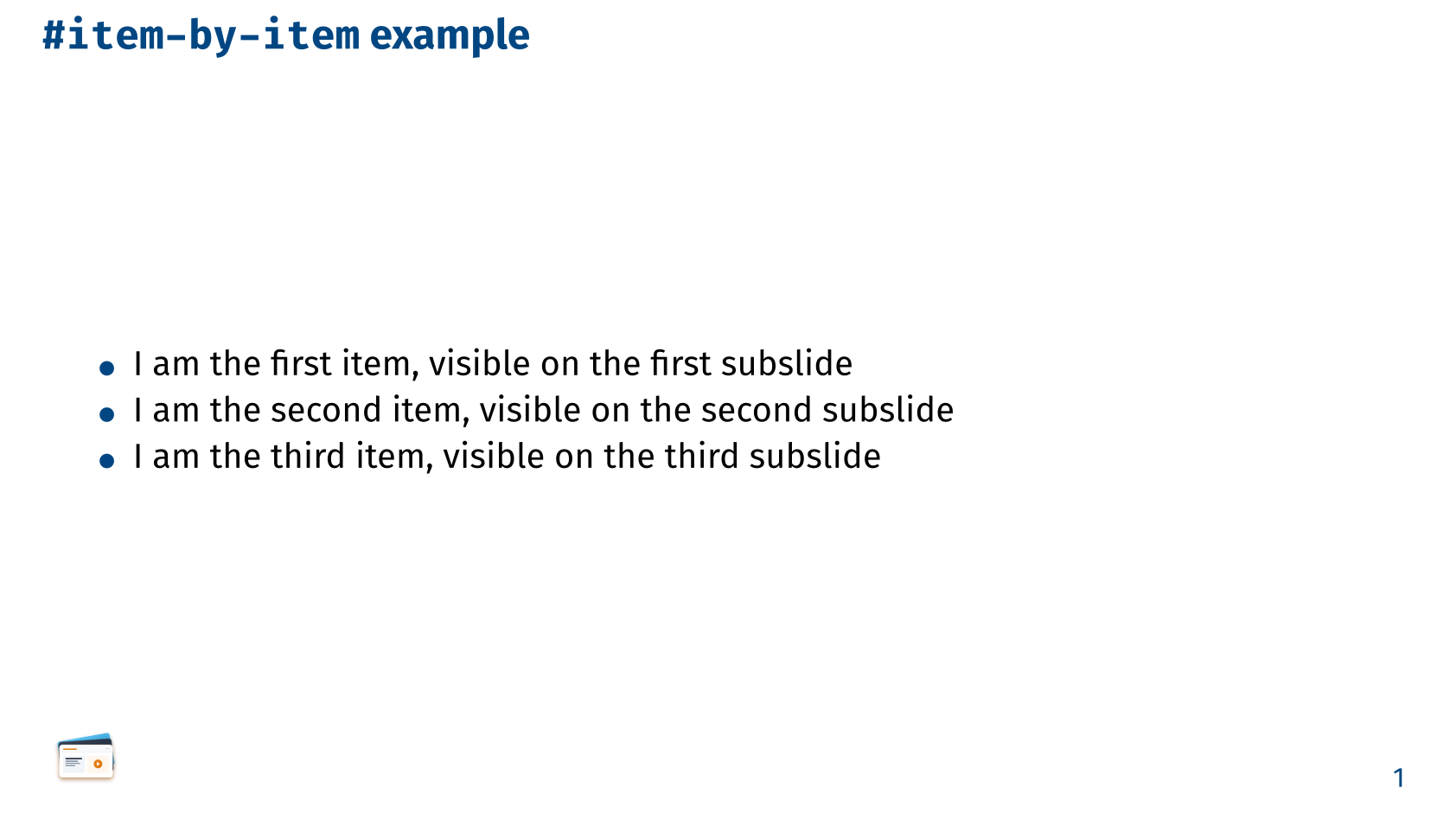
== `item-by-item` example

#item-by-item[
  - I am the first item, visible on the first subslide
  - I am the second item, visible on the second subslide
  - I am the third item, visible on the third subslide
]
The previous results can be obtained by using pause as follows:
  == `item-by-item` example

  - I am the first item, visible on the first subslide
  #pause
  - I am the second item, visible on the second subslide
  #pause
  - I am the third item, visible on the third subslide