Meanwhile and track
Sometimes, you want to show multiple things at the same time, but not necessarily all of them. For example, you might want to show a list of items, and then reveal them one by one, but also have some items that are always visible. This is where the #meanwhile and #track commands come in handy.
Meanwhile
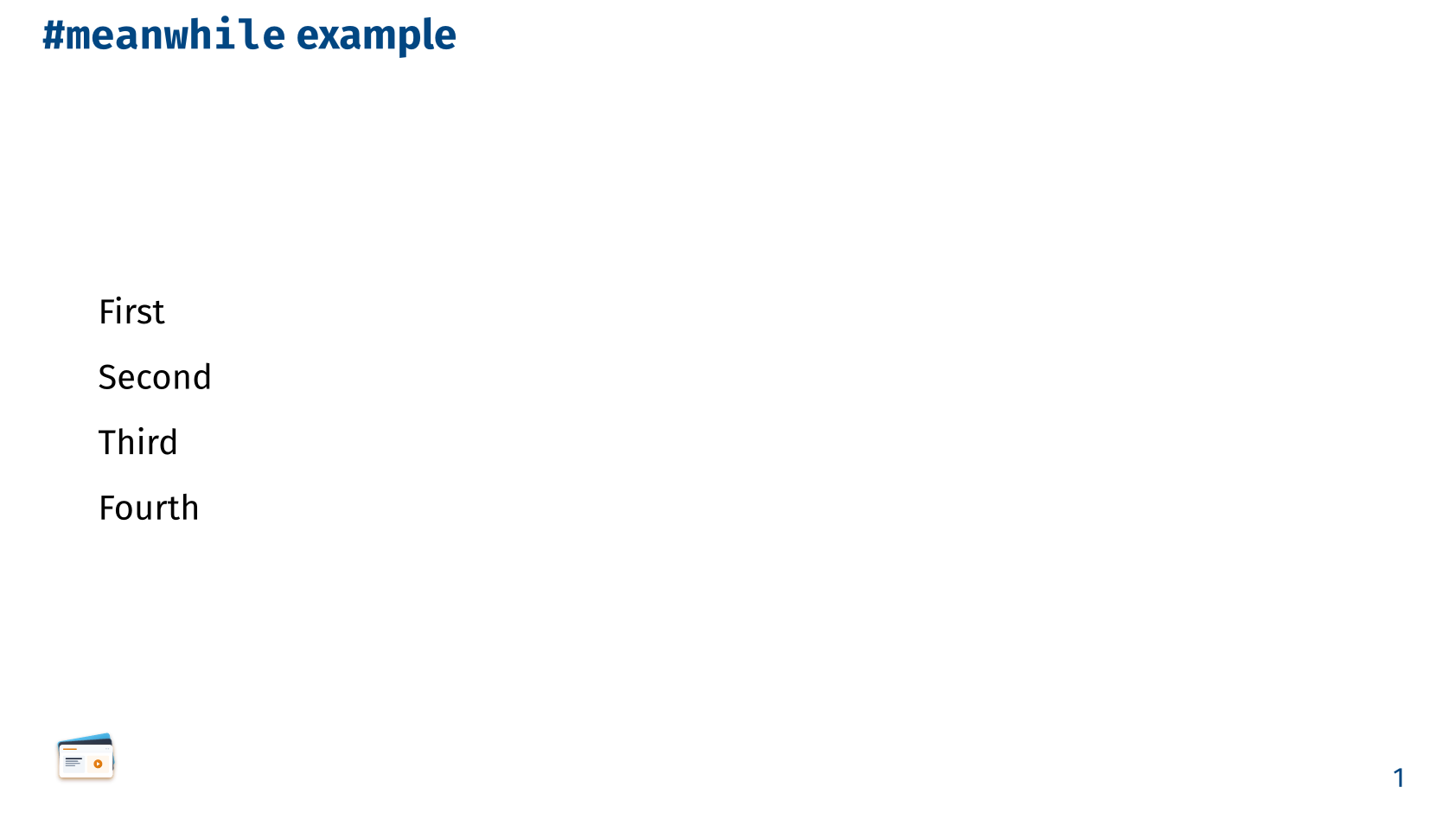
#meanwhile splits a slide’s top-level content into parallel tracks at the point it appears, each carrying its own local #pause sequence instead of one long chain. All tracks advance together on the same subslide clock, so content before and after #meanwhile can reveal independently while staying in sync. For example, First #pause Second #meanwhile Third #pause Fourth shows First and Third on the first step, then all four on the second. This mirrors Touying’s #meanwhile directly and requires no wrapper function, #pause and #meanwhile are the only markers needed.
== `#meanwhile` example

  First

  #pause

  Second

  #meanwhile

  Third

  #pause

  Fourth
Track
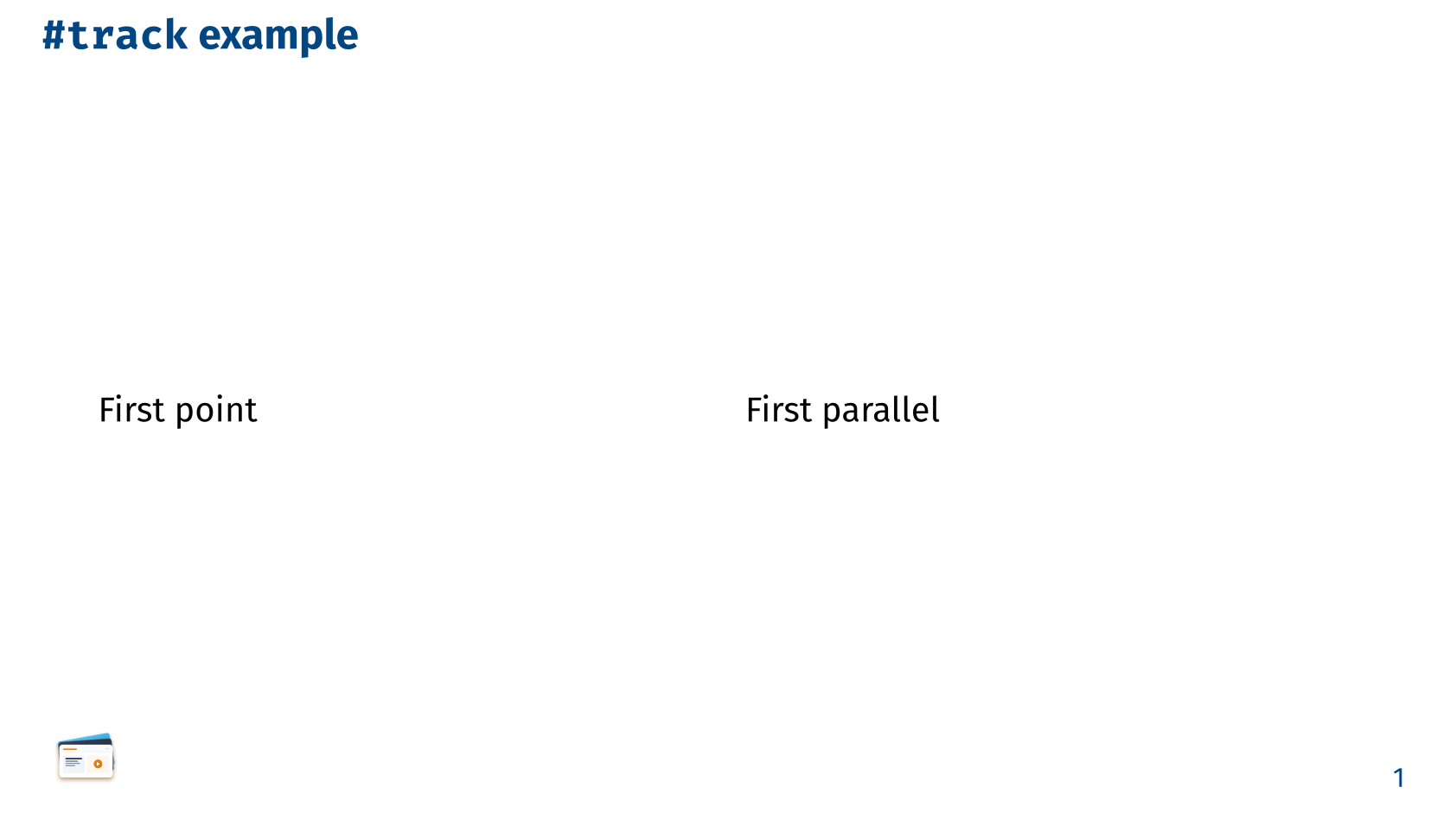
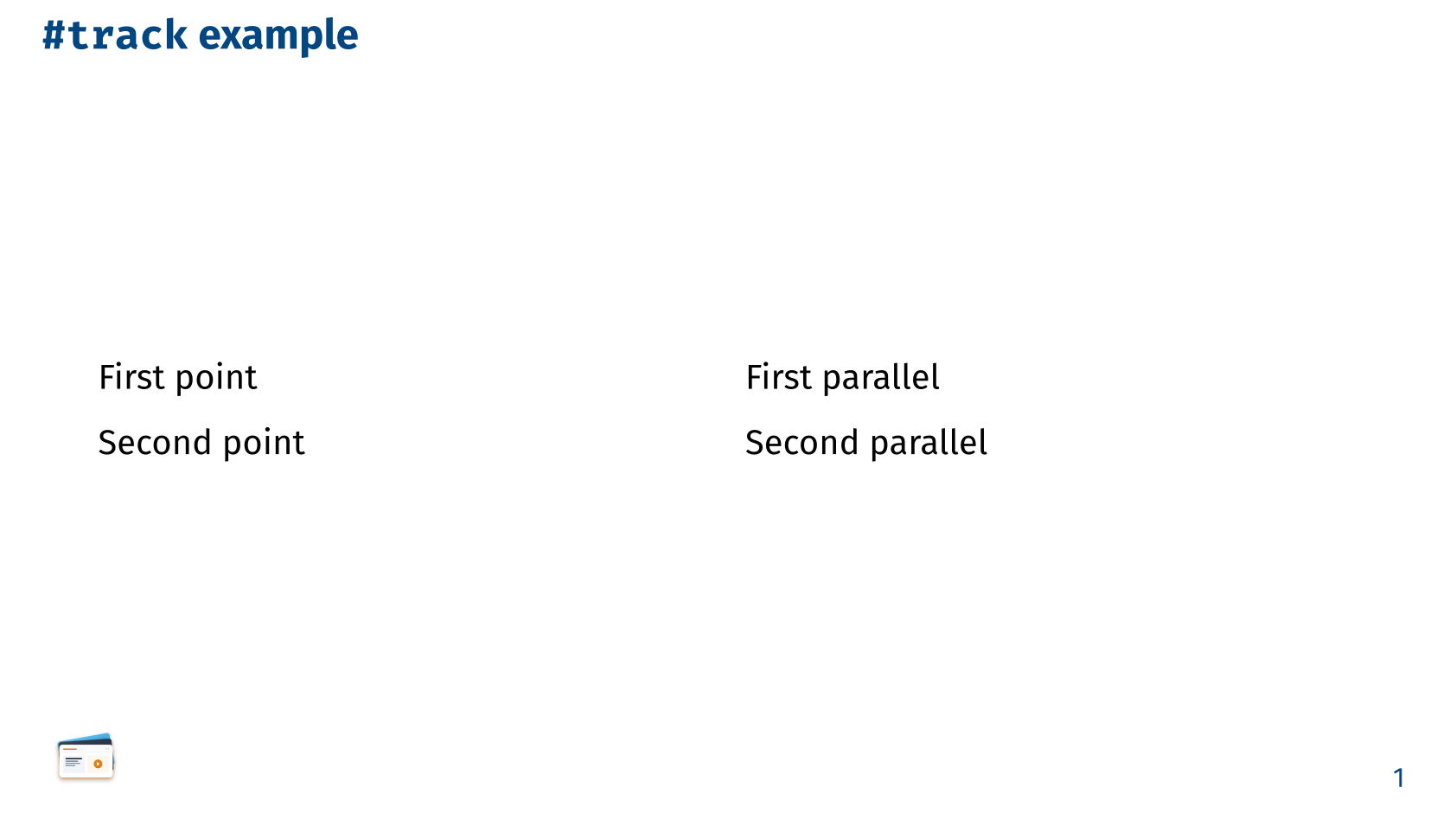
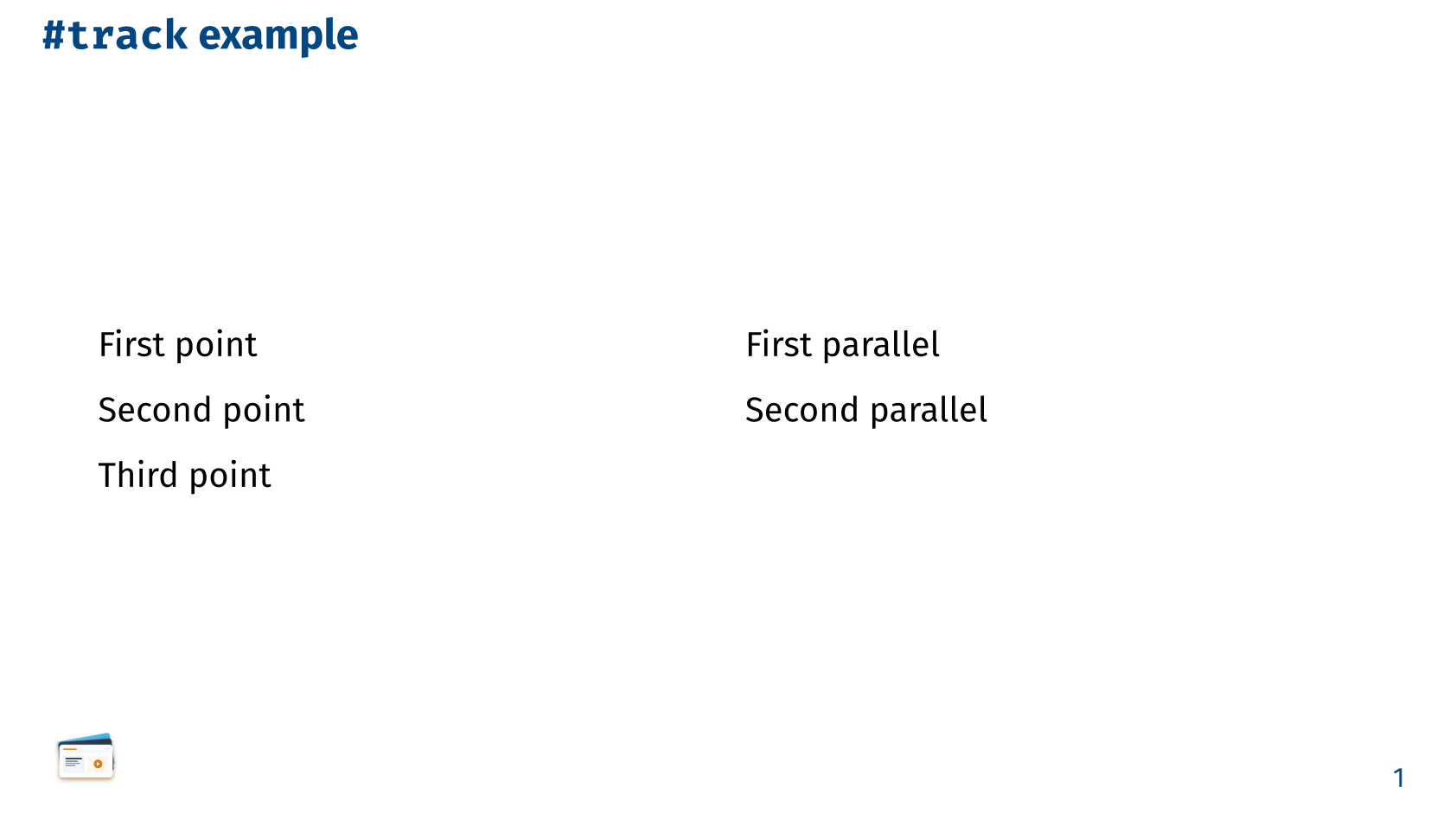
track provides the same parallel-track behavior as #meanwhile, exposed as a function rather than a flow marker, for the one case #meanwhile can’t reach on its own: content nested inside a #grid(..) or #columns(..). Since #meanwhile, like #pause, only sees a slide’s direct top-level children, wrapping each column’s content in track(..) lets every column carry its own independent #pause sequence while still advancing on the same subslide clock as the rest of the slide. Use #meanwhile for a linear flow with parallel timing, and track(..) when that parallel content needs to live side by side in a layout container.
== `#track` example

#grid(
  columns: (1fr, 1fr),
  align: top,
  column-gutter: 1em,
  track[
    First point #pause

    Second point #pause

    Third point
  ],
  track[
    First parallel #pause

    Second parallel
  ]
)