Pause, uncover and only
This page describes the pause, uncover and only animations available in Slydekit. These animations are used to control the visibility of content on slides, allowing for dynamic presentations.
Pause
pause is an animation that allows you to pause the presentation at a specific point, waiting for user interaction before proceeding. This is useful for emphasizing a point or allowing the audience to absorb information before moving on.
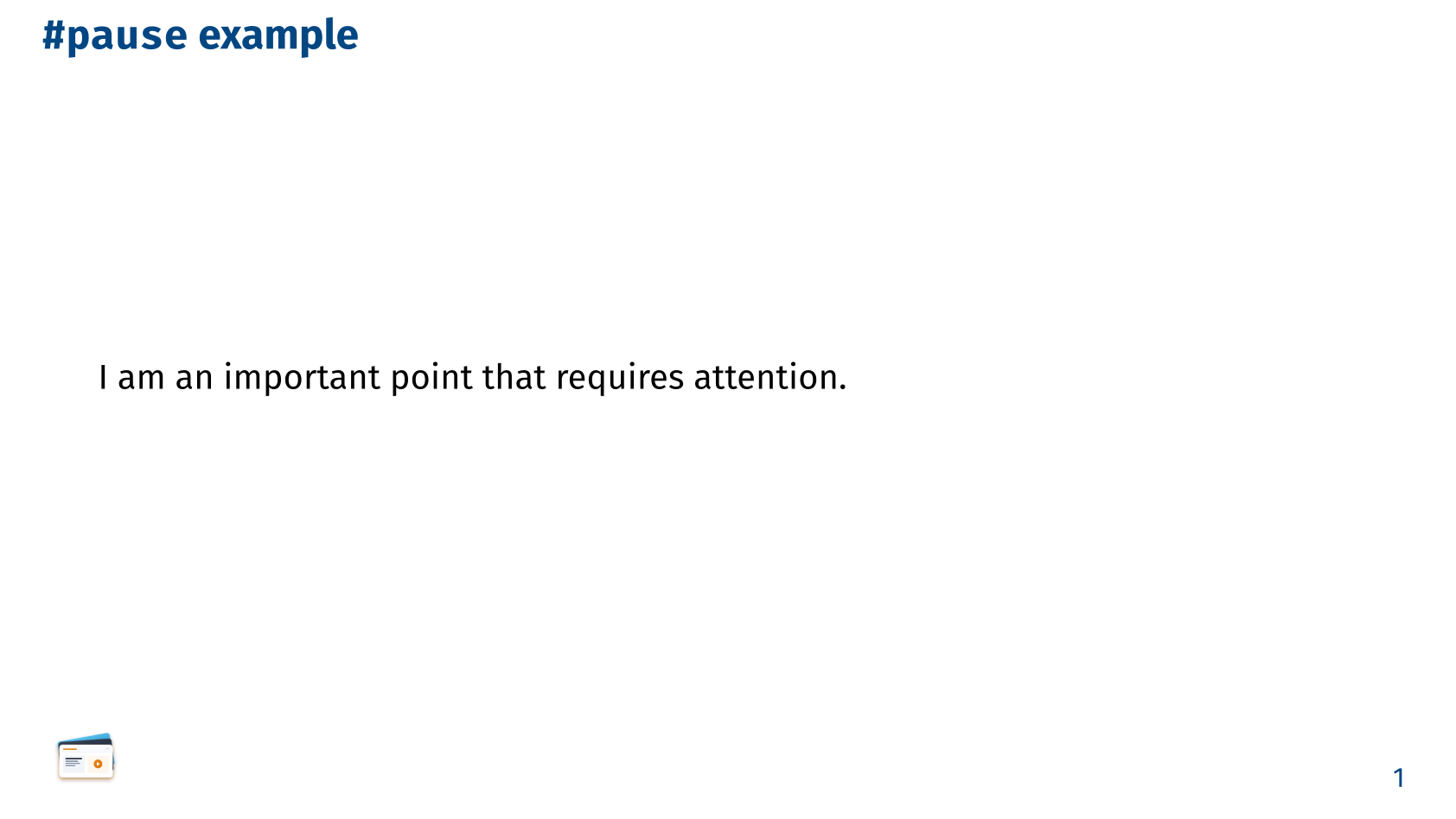
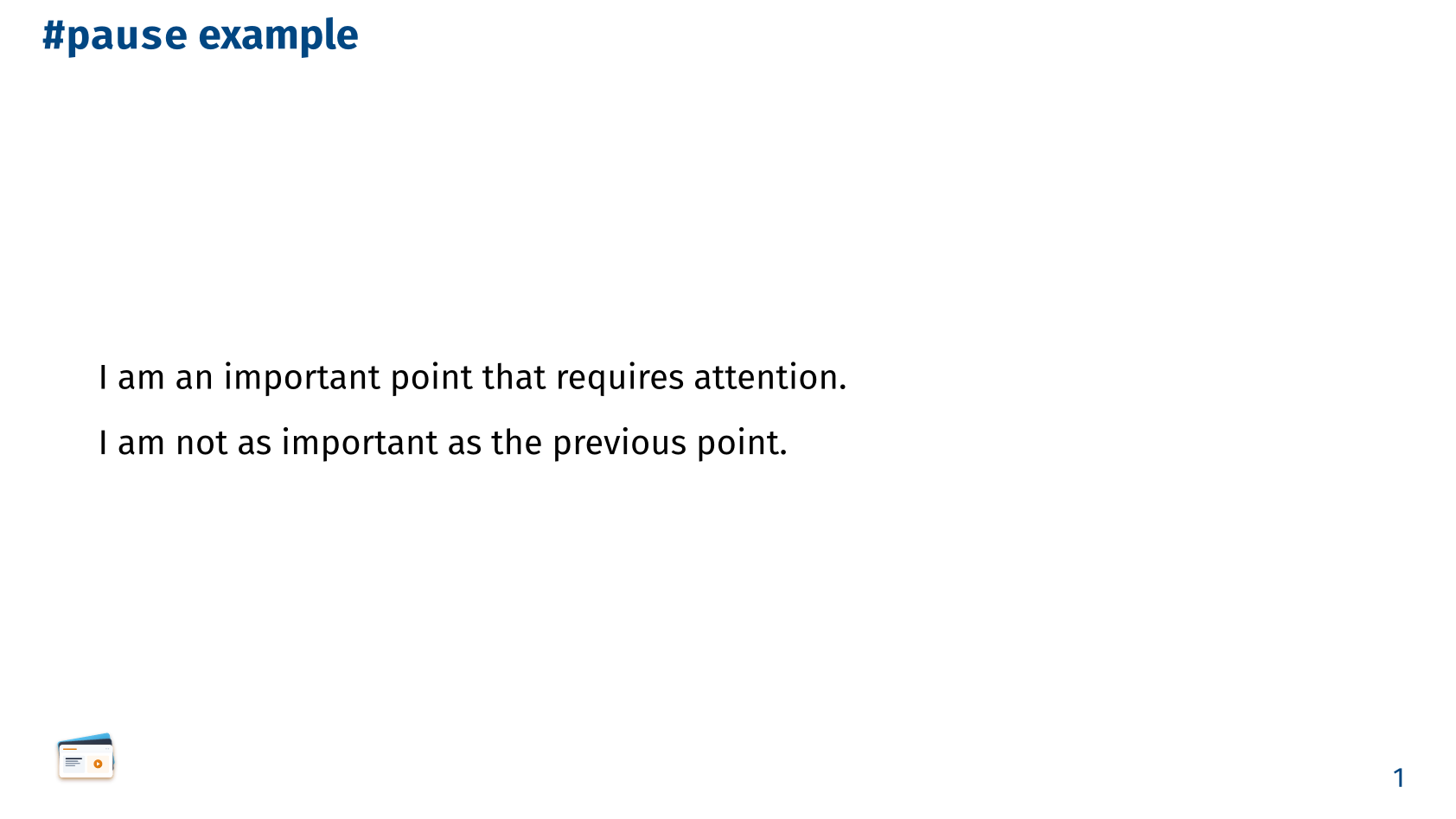
== `#pause` example

I am #pause an important point that requires attention.

#pause

I am not as important as the previous point.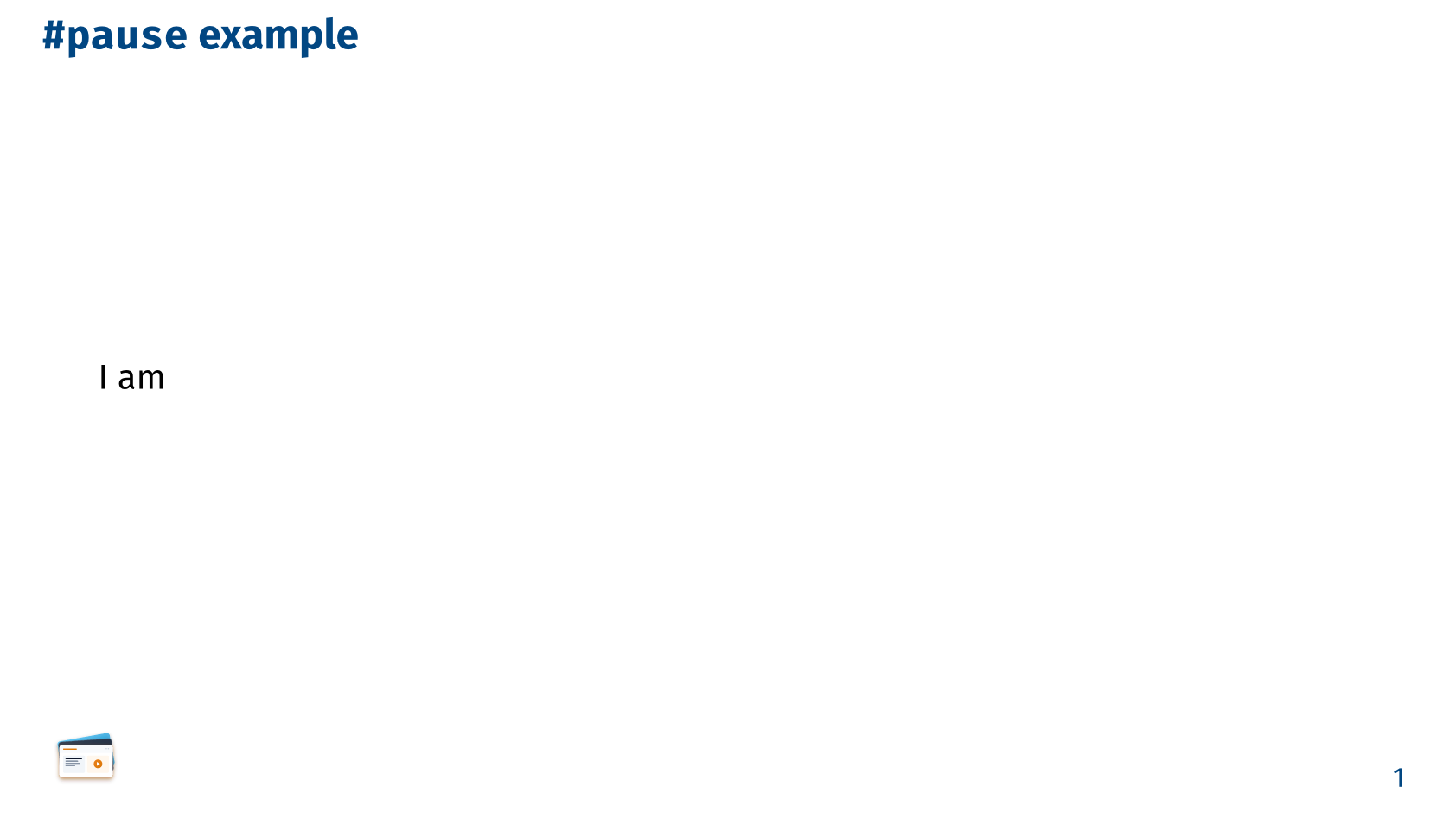
Uncover / Only
uncover and only are animations that control the visibility of content on slides. uncover reveals content gradually by reserving space, while only displays content only on specific subslides.
These functions are simply two variants of the same internal function, _reveal, which is not exported and has the following signature:
#let _reveal(
  from: 1,
  to: none,
  hide-color: none,
  reserved: true,
  hide-fn: none,
  int-or-range,
  body
)

#let uncover = _reveal
#let only = _reveal(reserved: false)from – default: 1The subslide number from which the content will be revealed. The default value is 1, meaning that the content will be visible from the first subslide.
to – default: noneThe subslide number until which the content will be revealed. If set to none, the content will be visible until the last subslide. The default value is none.
hide-color – default: noneThe color used to hide the content when it is not visible. If set to none, the content will be hidden without any color. The default value is none.
reserved – default: trueA boolean value that determines whether the space for the content is reserved when it is not visible. If set to true, the space for the content will be reserved, preventing other content from shifting. If set to false, the space will not be reserved, allowing other content to shift into the space. The default value is true.
hide-fn – default: noneA function that can be used to provide a custom masking for the content when it is not visible. If set to none, the default masking behavior will be used. The default value is none.
int-or-rangeAn integer or an array of subslide numbers on which the content will be visible. If this argument is provided, the from and to arguments will be ignored. The default value is an empty array, meaning that the content will be visible on all subslides.
Some examples:
#only(1, 3)[I am only visible on the first and third subslides]
#uncover(2, 4)[I am only visible on the second and fourth subslides, but my space is reserved on the first and third subslides]bodyThe content that will be revealed or hidden based on the specified subslide numbers.
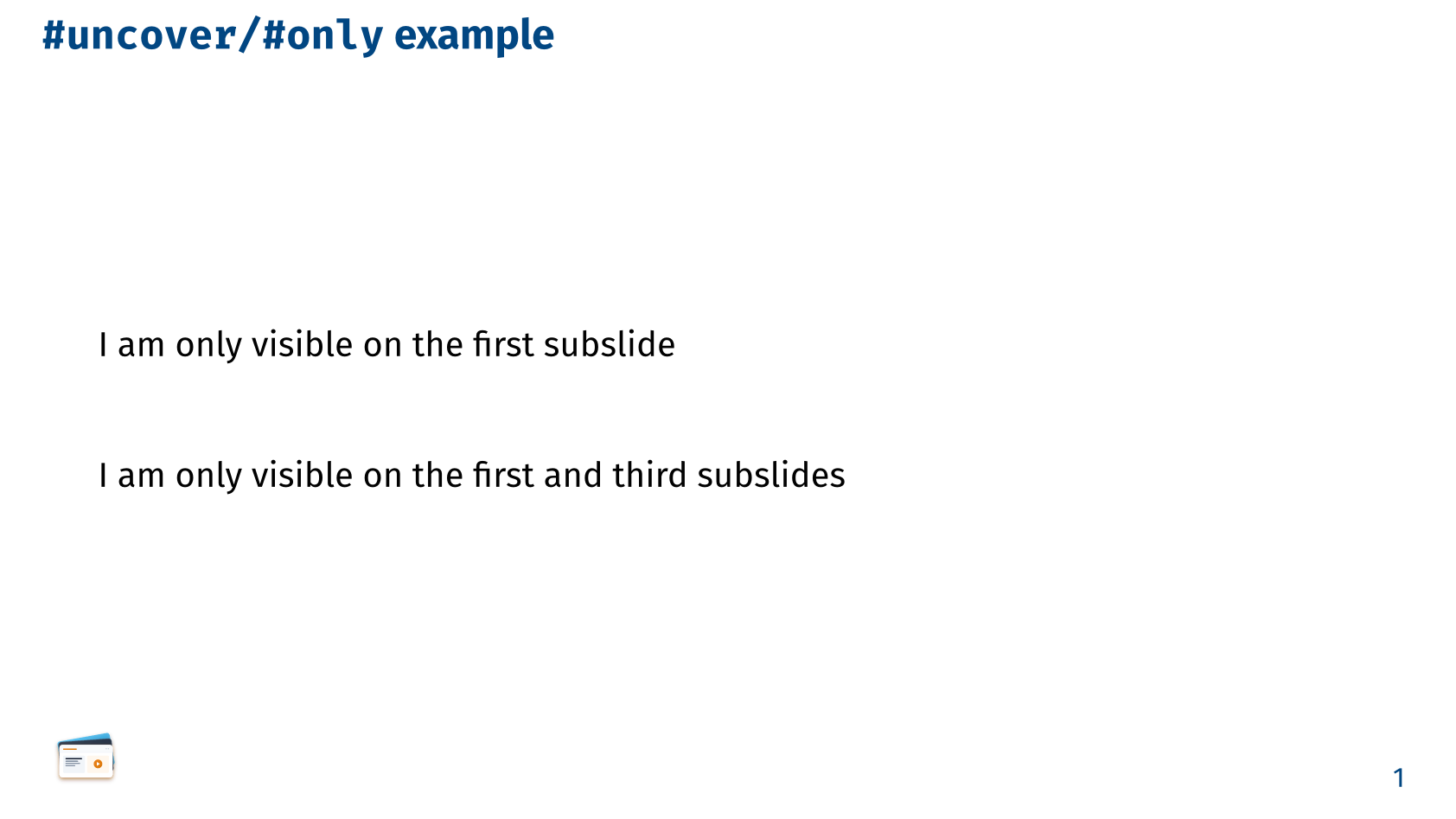
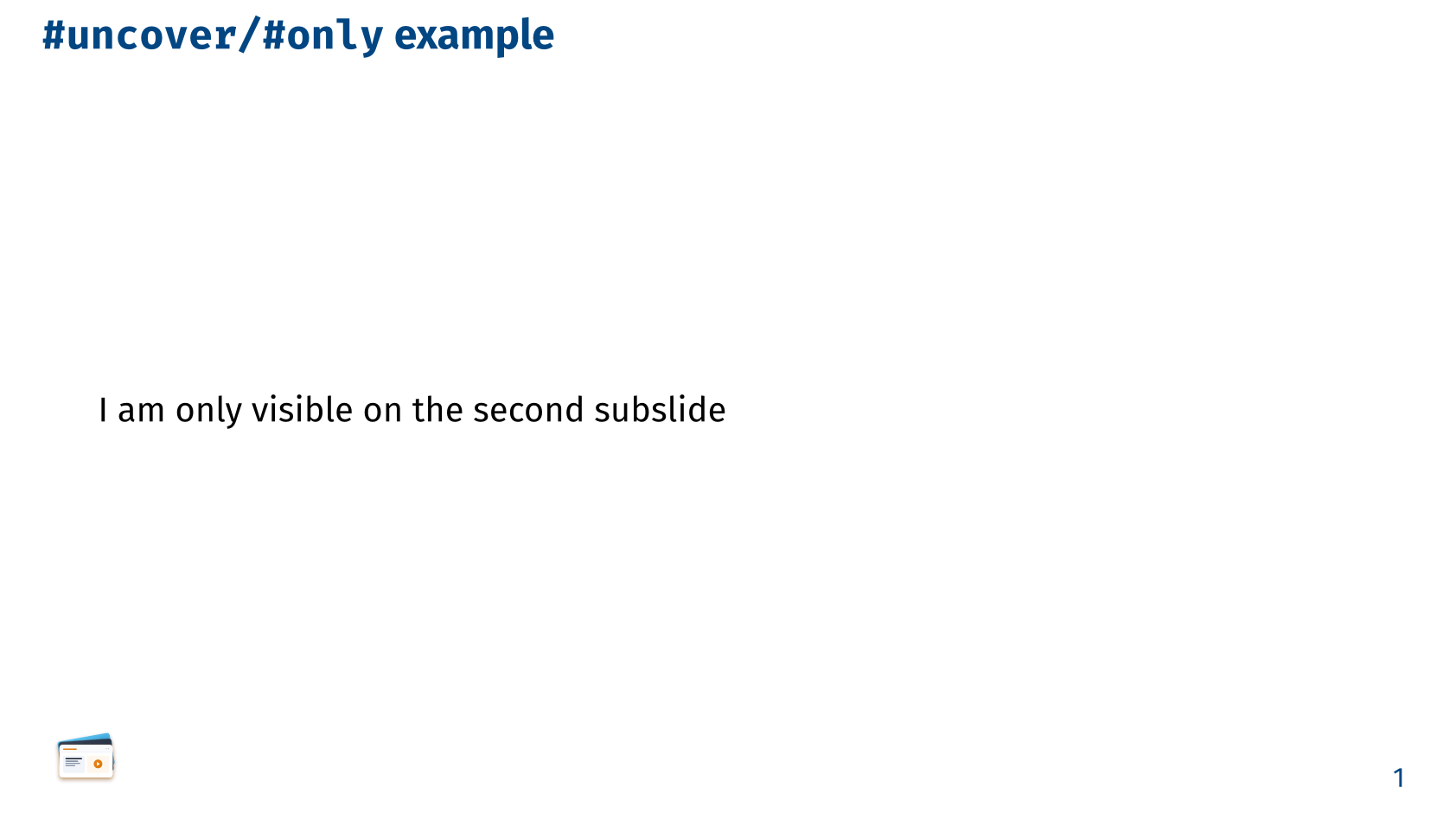
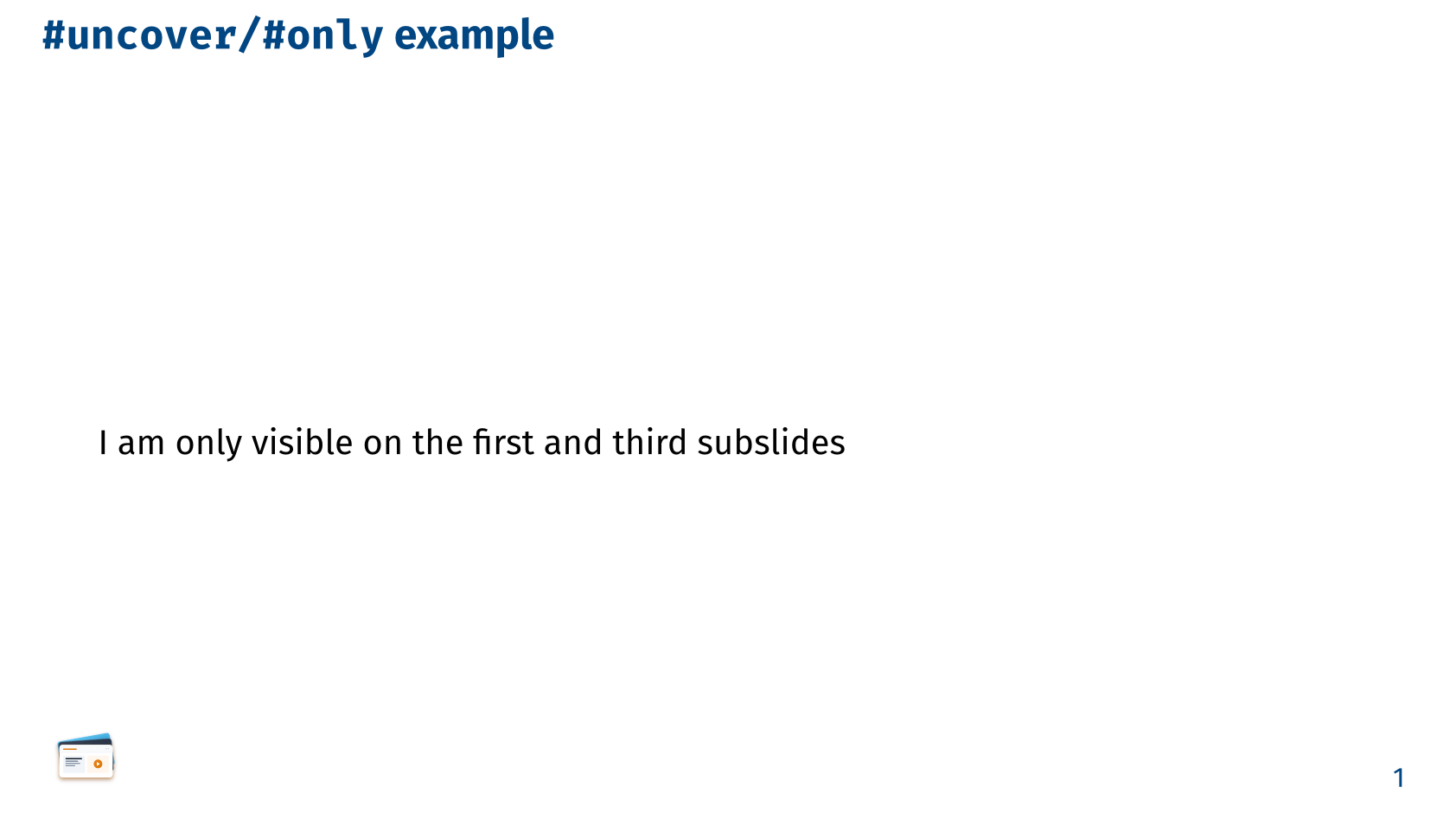
#slide[`#uncover/#only` example][
  #only(1)[I am only visible on the first subslide.]

  #uncover(2)[I am only visible on the second subslide]

  #only(1, 3)[I am only visible on the first and third subslides]
]
uncover and only are not compatible with packages like CeTZ or Fletcher, which use their own visibility logic and own context. In such cases, it is recommended to use the reveal function described in CeTZ/Fletcher integration.