Reusable animations
Sometimes, you want to split an animation across several slides. In this case, you reveal the first steps, switch to another slide to explain or show something else, then come back and continue the same animation from where it stopped. Every window re-displays the earlier steps in their fully-revealed, static state and animates only the steps it is responsible for.
The render-animation function allows to write an animation sequence once and then rendered wherever you need it, either in full or one window of steps at a time.
#let render-animation(
  ..int-or-range,
  from: 1,
  to: none,
  body,
)int-or-rangePositional step numbers naming the window this call renders. A render window is contiguous by nature, so a list is taken as its span.
Some examples:
#render-animation(3, 4, body) // renders global steps 3 through 4
#render-animation(2, 4, body) // renders global steps 2 through 4 (the span of the list)
#render-animation(3, body)    // renders global step 3 to the last step
#render-animation(body) // renders the whole animationfrom – default: 1The subslide number from which the content will be revealed. The default value is 1, meaning that the content will be visible from the first subslide.
to – default: noneThe subslide number until which the content will be revealed. If set to none, the content will be visible until the last subslide. The default value is none.
bodyThe reusable animated block.
// Example
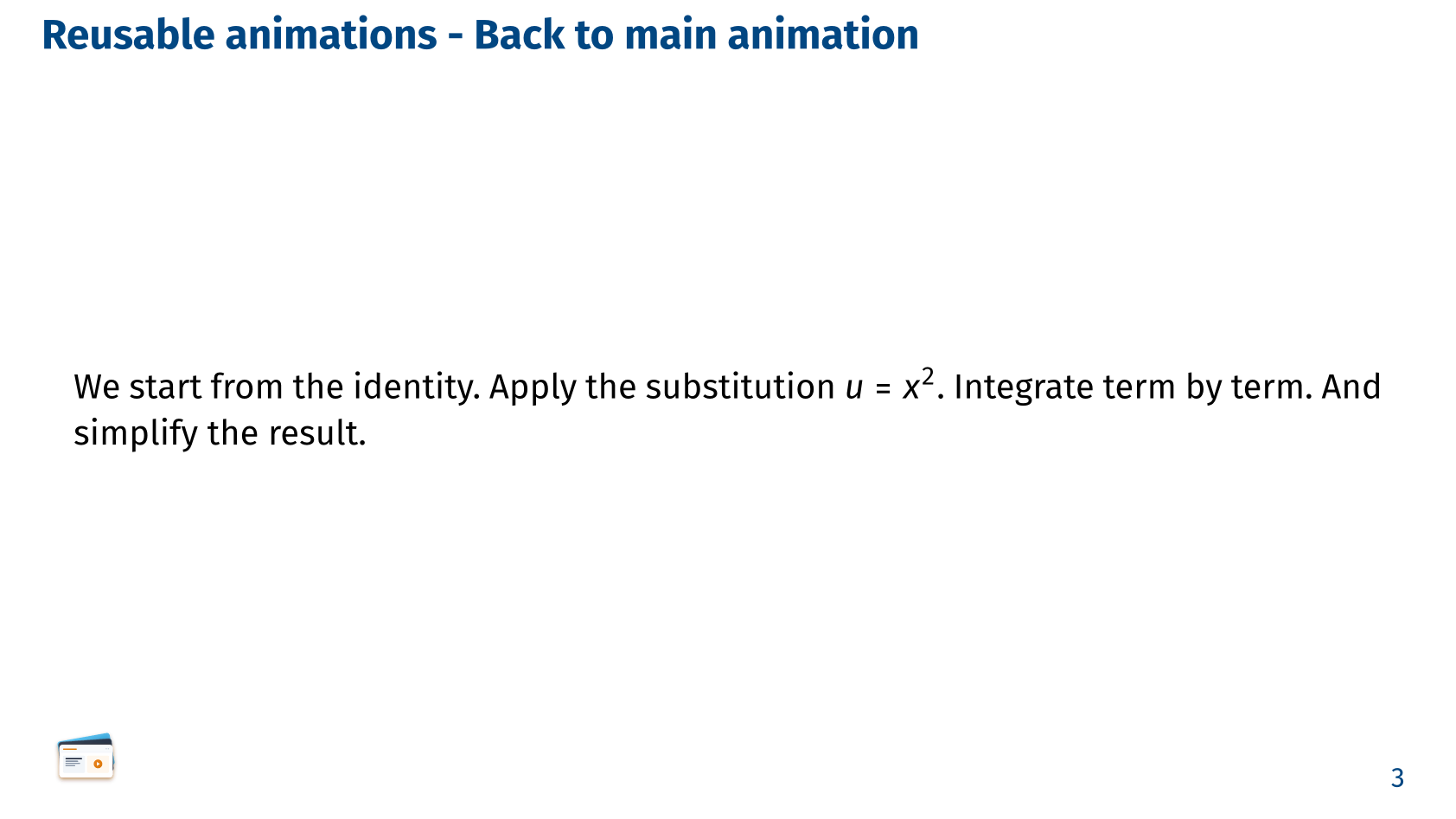
#let derivation = [
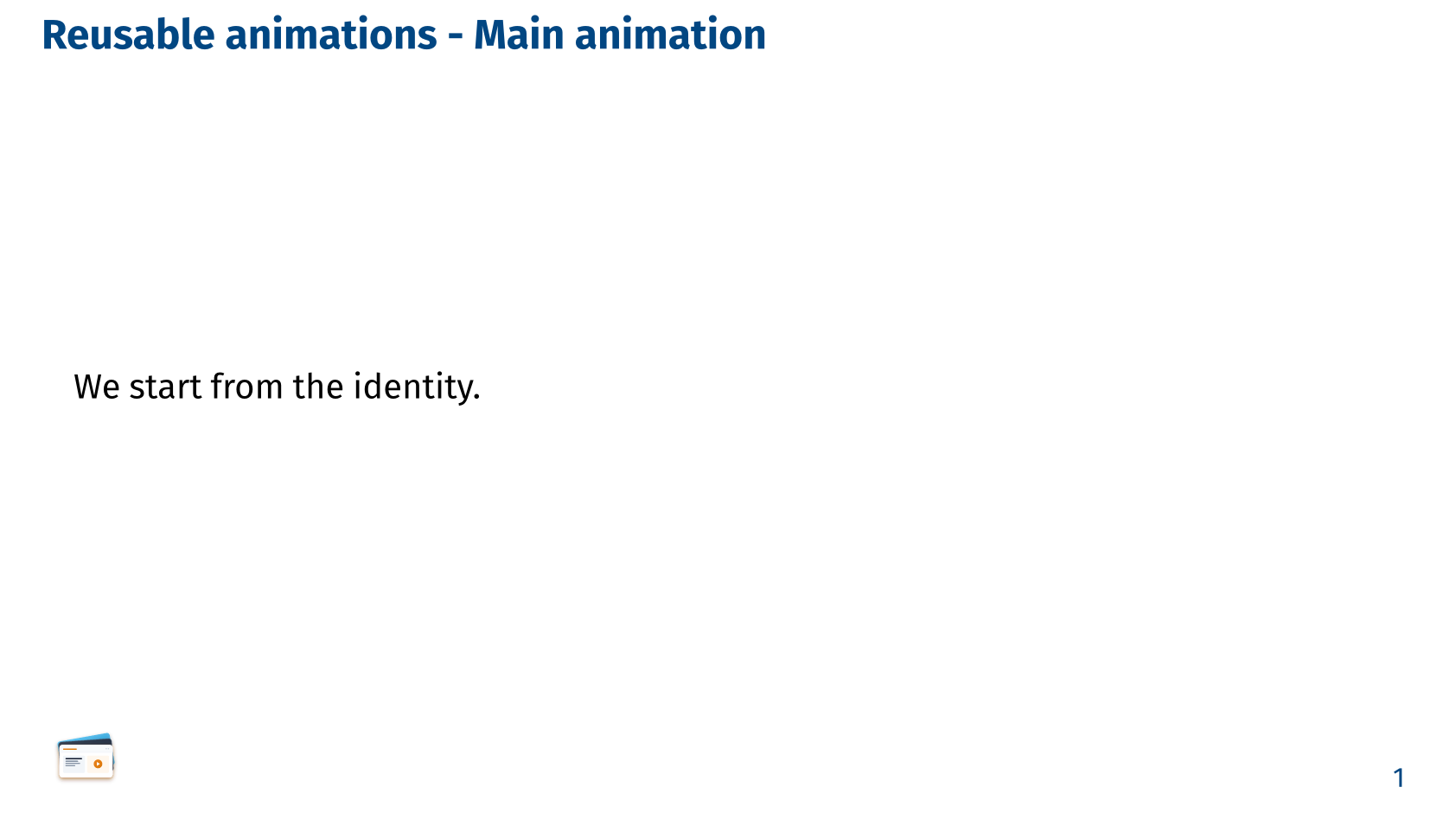
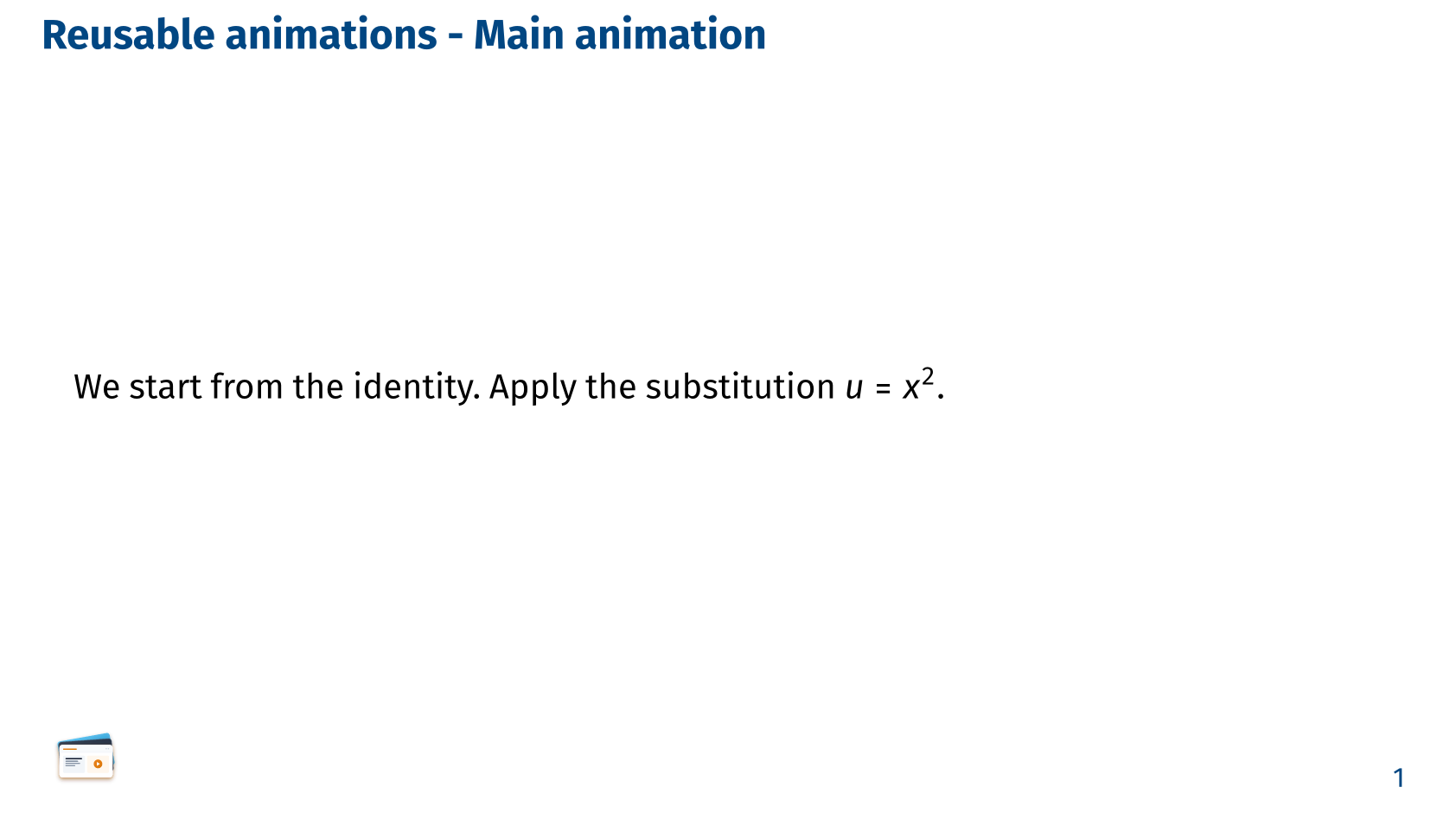
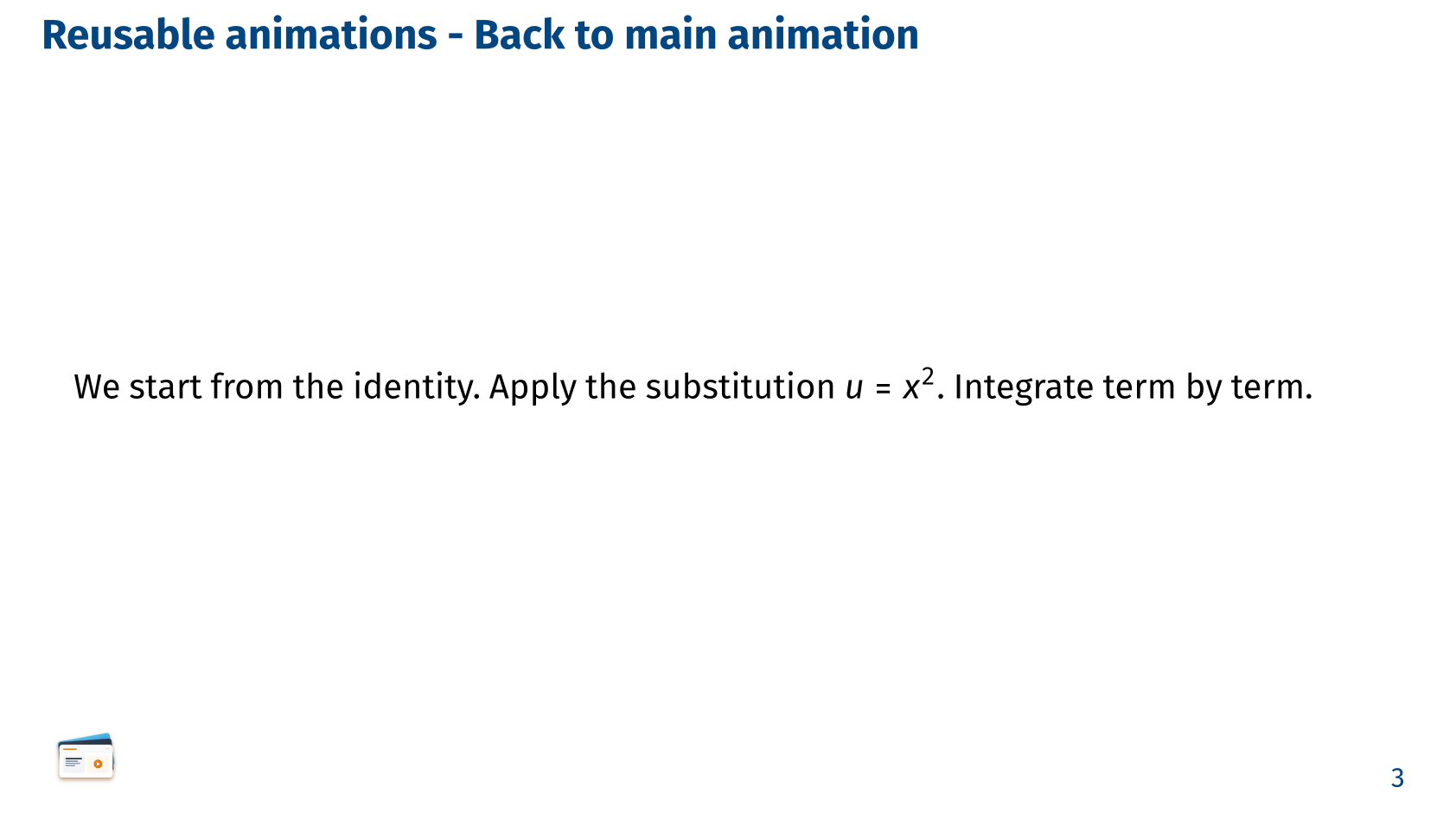
  We start from the identity.
  #pause
  Apply the substitution $u = x^2$.
  #pause
  Integrate term by term.
  #pause
  And simplify the result.
]

== Reusable animations - Main animation

// Render the first two steps of the derivation, then pause to explain them.
#render-animation(1, 2, derivation)

== Reusable animations - A side note

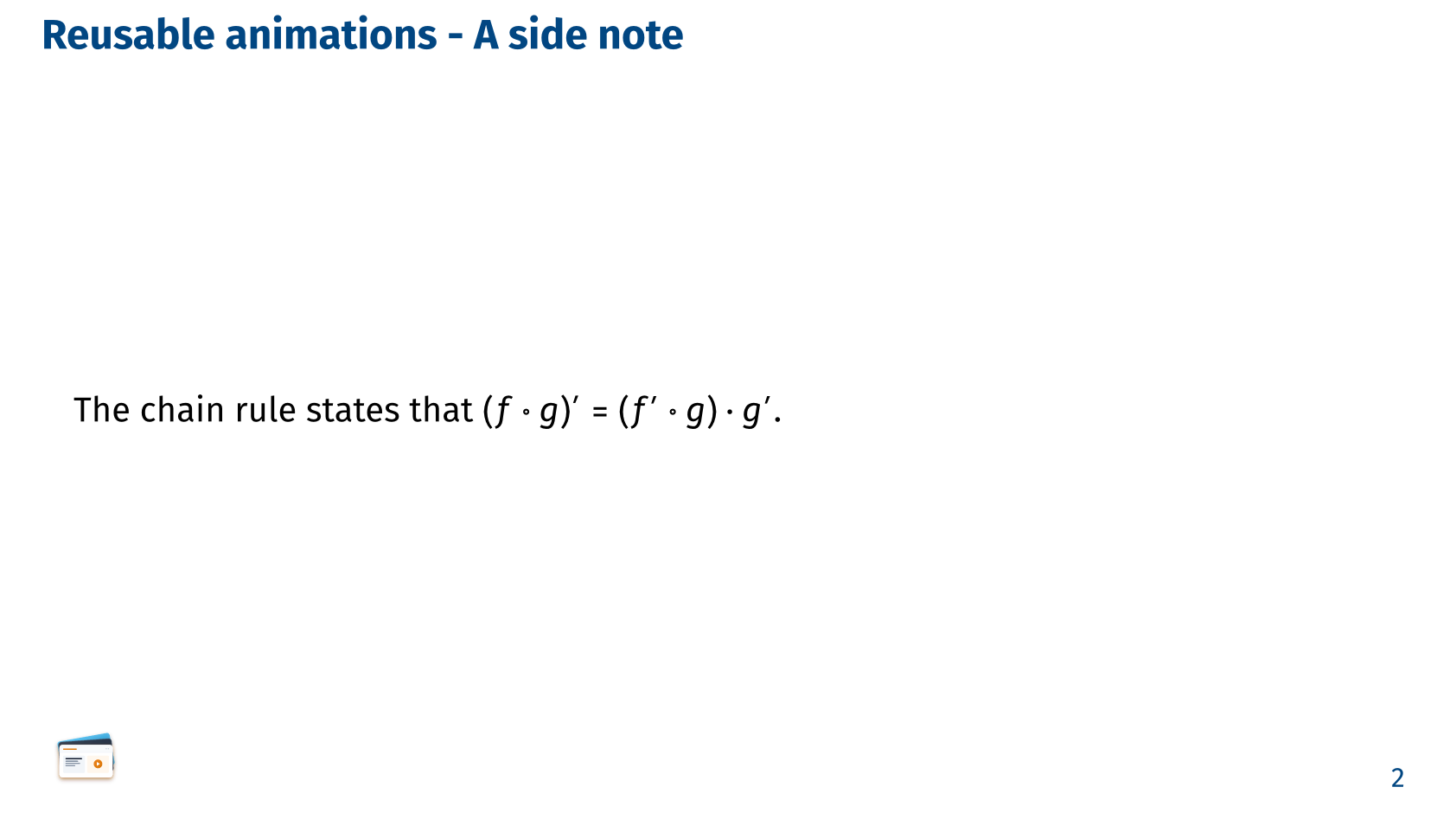
The chain rule states that $(f compose g)' = (f' compose g) dot g'$.

== Reusable animations - Back to main animation

// Render the rest of the derivation, starting from step 3.
#render-animation(from: 3, derivation)render-animation works by briefly re-pointing Slydekit’s shared subslide clock while it renders body, so packages that read that clock (CeTZ / Fletcher via #reveal, #anim-label, …) resume correctly too. In handout: true mode each window collapses to a single page showing its final state.