CeTZ/Fletcher integration
As mentioned in Pause, uncover and only, uncover and only are not compatible with packages like CeTZ or Fletcher. The reason is that CeTZ and Fletcher have their own rendering mechanisms and context. Therefore, Slydekit cannot simply wrap the content with hide() as it does for regular Typst content.
To integrate with these packages, you can use the reveal function, which reproduces the visibility logic of uncover and only, without opening a new context. This allows third-party packages to provide their own masking via the hide-fn argument.
#let reveal(
  int-or-range,
  from: 1,
  to: none,
  hide-fn: none,
  body
)int-or-rangeThe subslide number or range of subslide numbers on which the content will be revealed. If an integer is provided, the content will be visible only on that specific subslide. If a range is provided, the content will be visible on all subslides within that range.
from – default: 1The subslide number from which the content will be revealed. The default value is 1, meaning the content will be revealed starting from the first subslide.
to – default: noneThe subslide number until which the content will be revealed. If set to none, the content will be revealed until the last subslide. If an integer is provided, the content will be revealed only up to that specific subslide.
hide-fn – default: noneA function that defines how the content should be hidden when it is not visible. If set to none, the content will be hidden using the default behavior. If a function is provided, it will be called with the content as an argument, allowing for custom hiding behavior.
bodyThe content to be revealed.
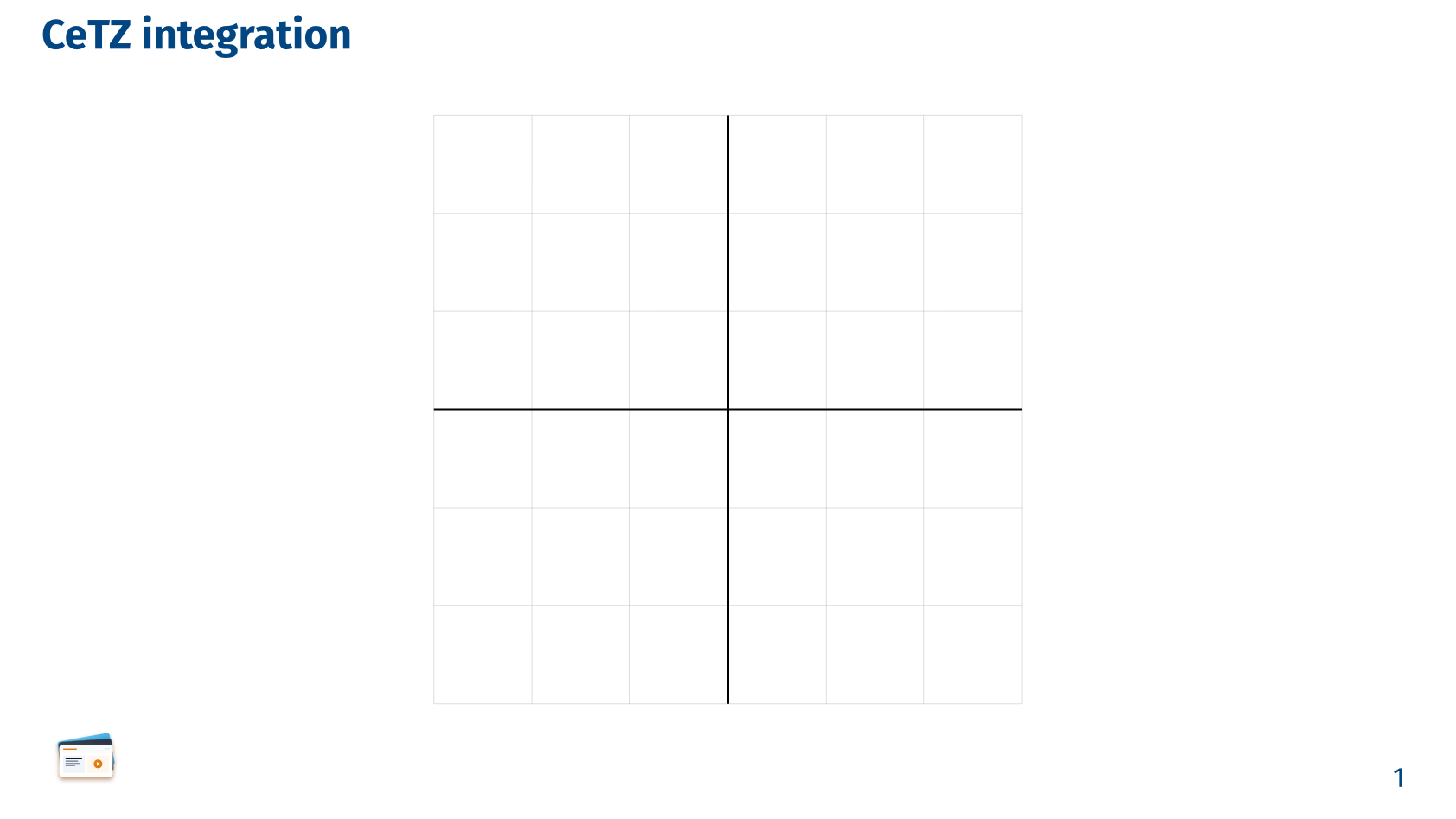
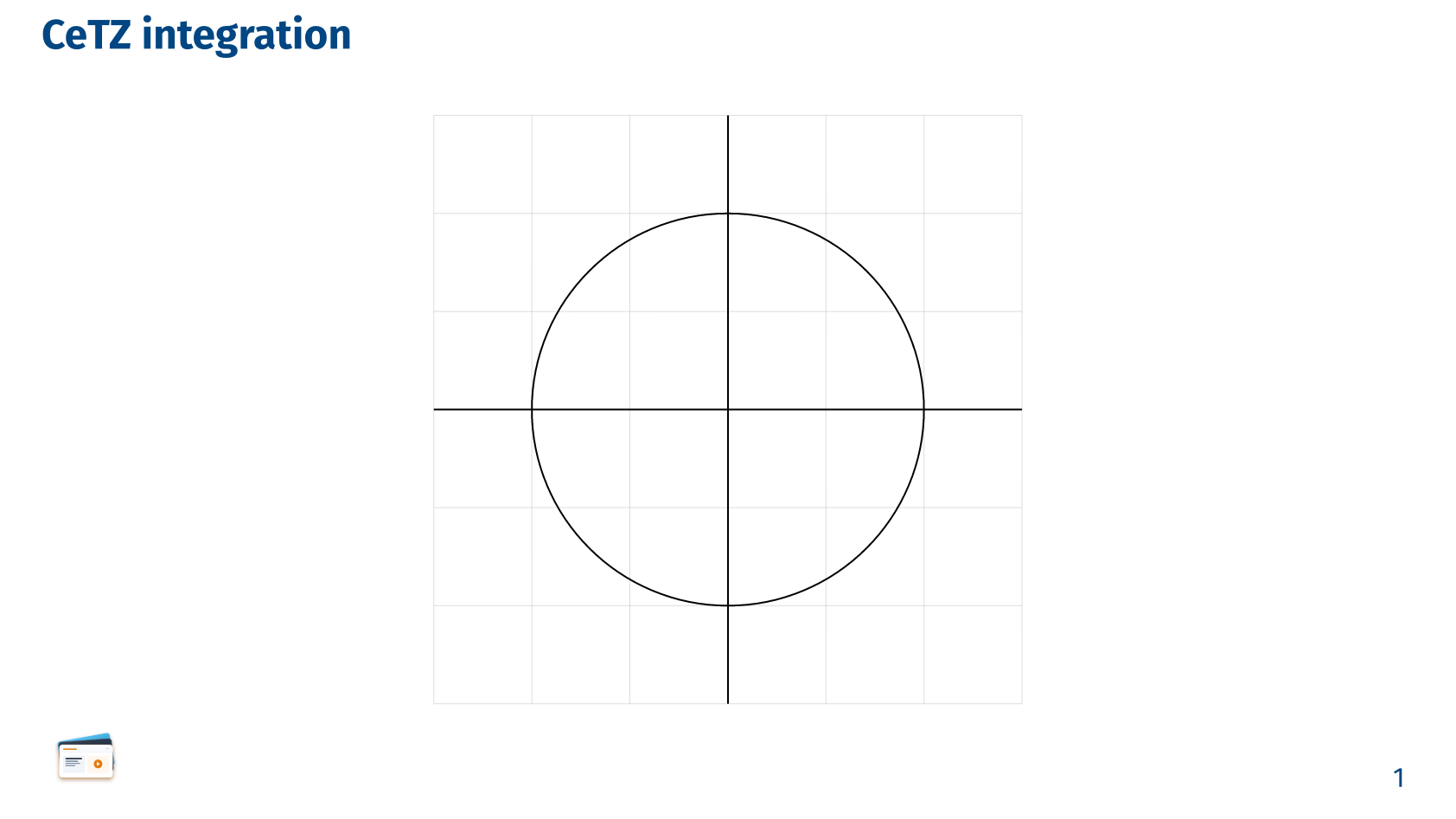
Contrary to the other animations commands, using the reveal function requires to open a new context that includes the CeTZ/Fletcher content to be revealed, as well as to provide the number of steps for th slide. This is because the reveal function needs to know the current subslide step in order to determine whether the content should be visible or hidden.
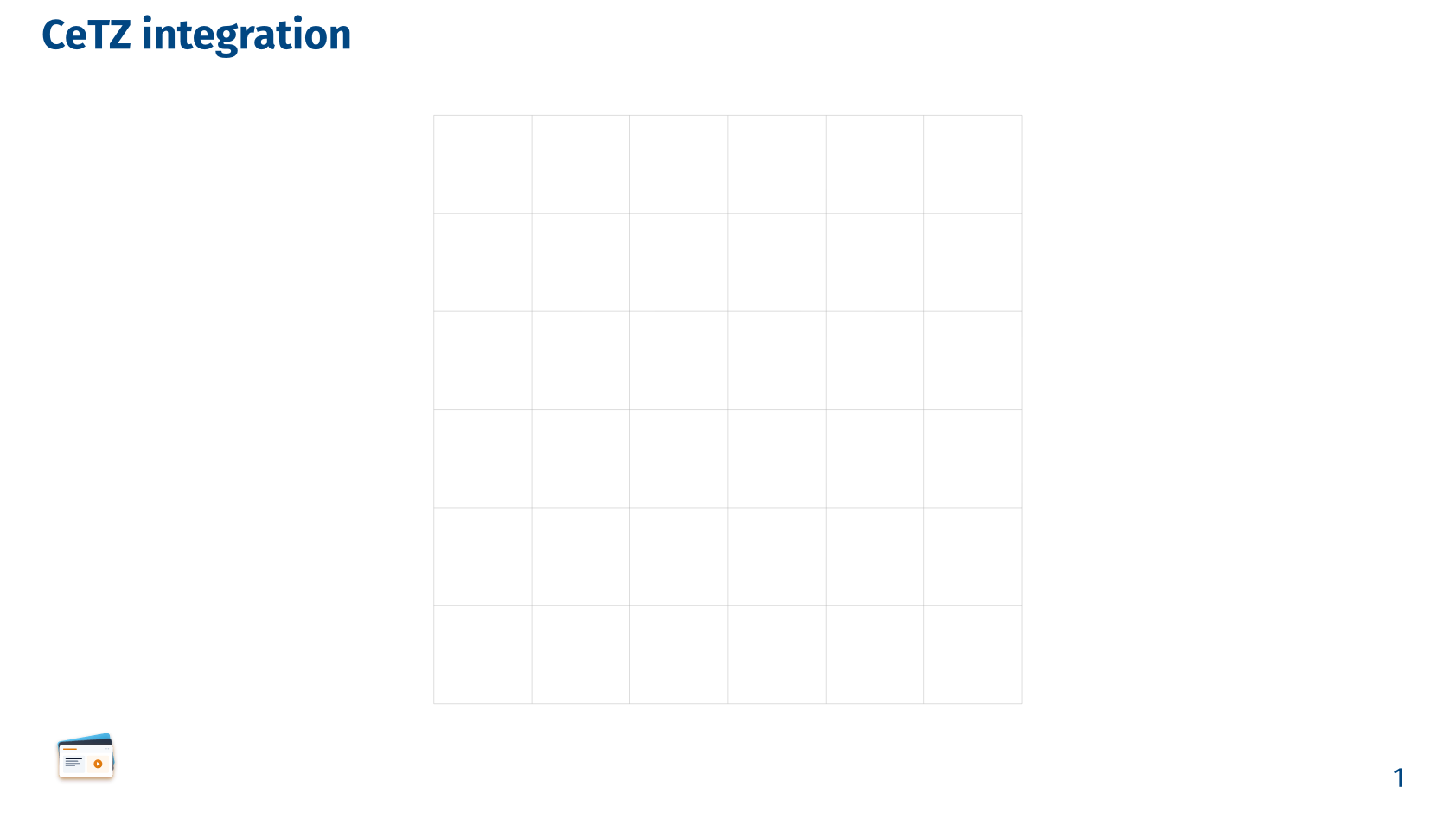
CeTZ integration
#import "@preview/cetz:0.5.2"

// Slydekit initialization
...

// Slide with CeTZ content
#slide("CeTZ integration", steps: 3)[
  #context {
    align(center)[
      #cetz.canvas({
        import cetz.draw: *

        scale(400%)
        grid((-1.5, -1.5), (1.5, 1.5), step: 0.5, stroke: gray + 0.2pt)

        reveal(from: 2, {
          line((-1.5, 0), (1.5, 0))
          line((0, -1.5), (0, 1.5))
        })

        reveal(3, circle((0, 0)))
      })
    ]
  }
]
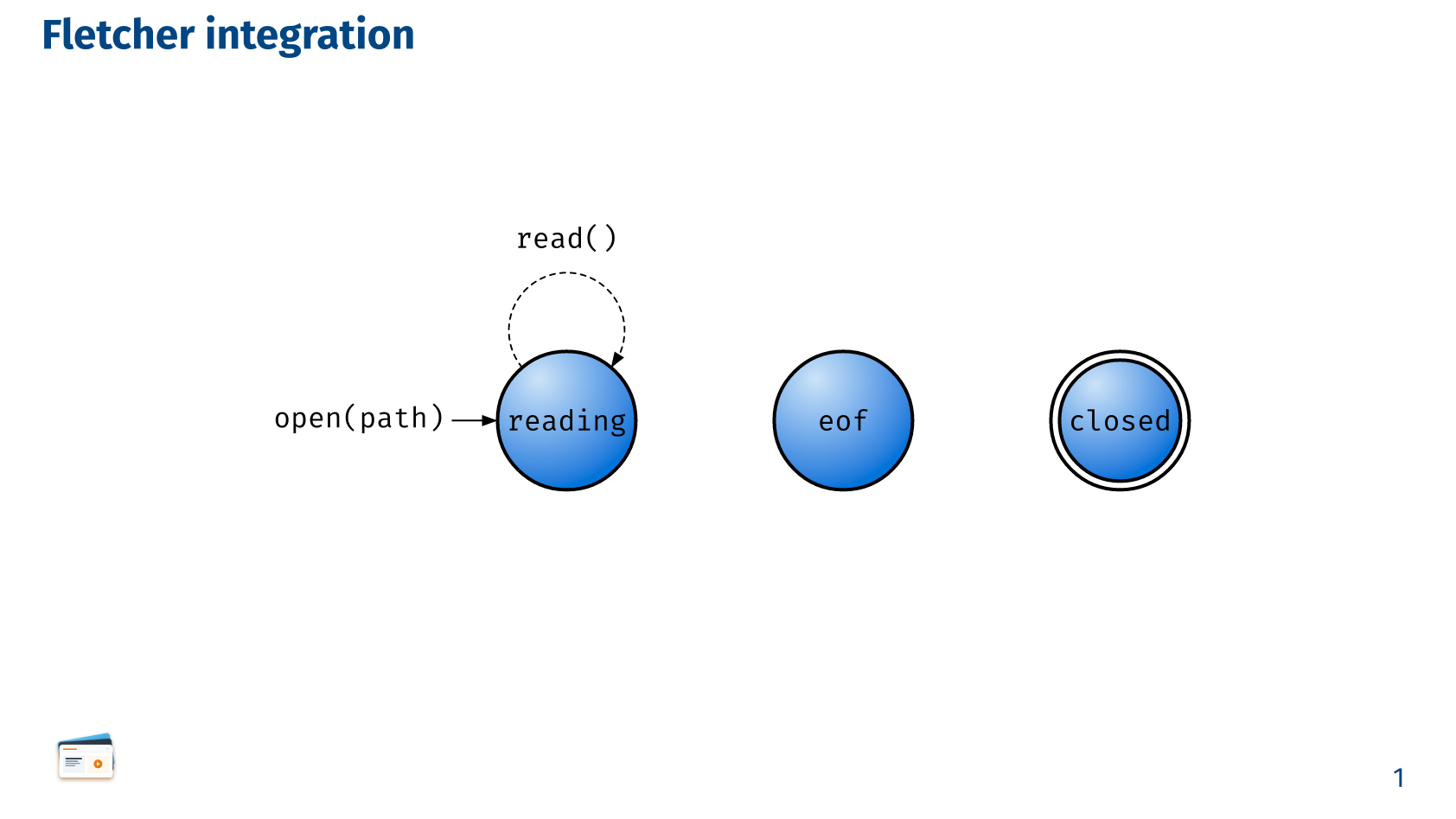
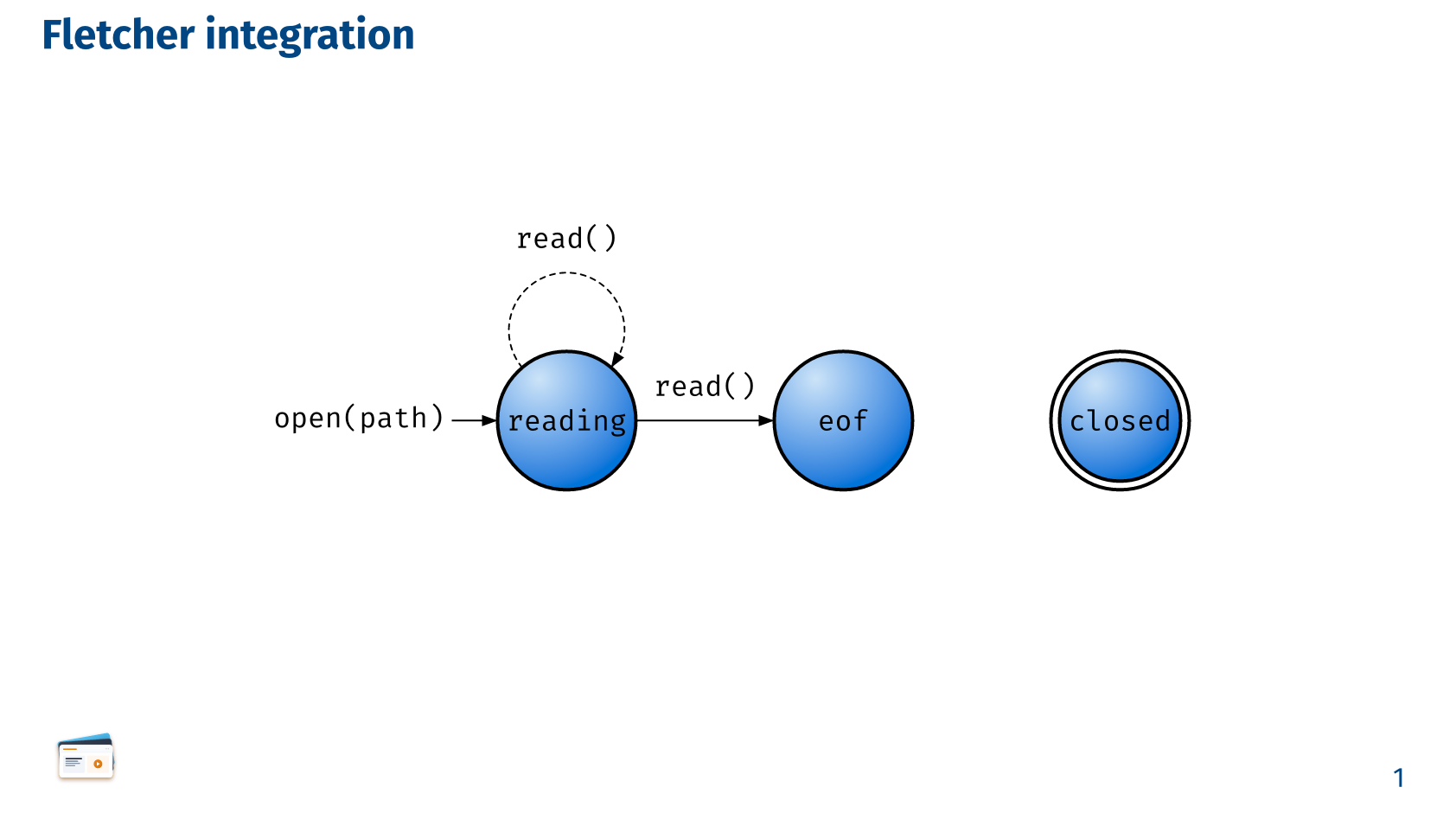
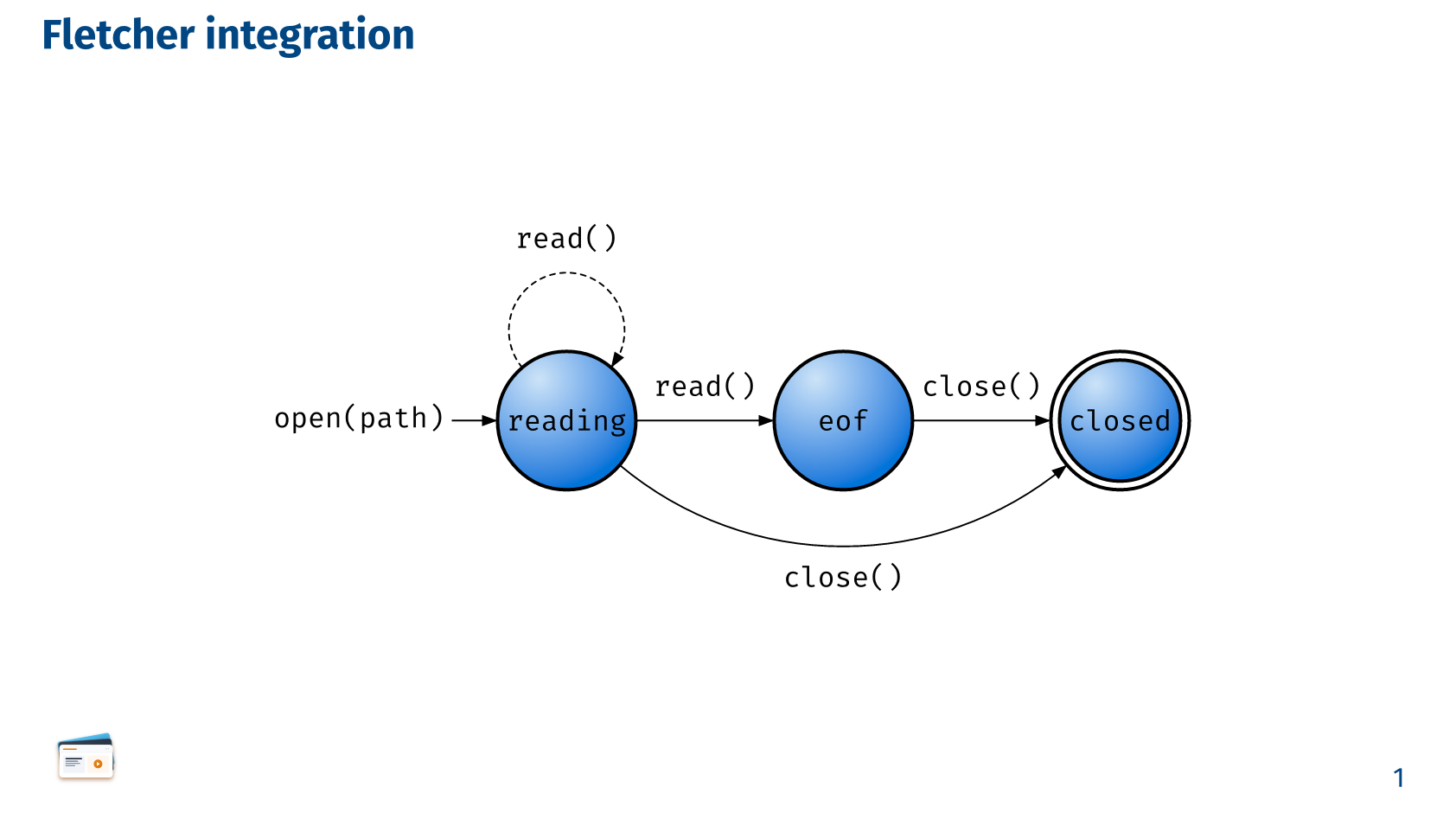
Fletcher integration
#slide("Fletcher integration", steps: 3)[
  #show raw: set text(size: 0.7em)

  // Use the hide-fn from Fletcher
  #let reveal-fletcher = reveal.with(hide-fn: fletcher.hide.with(bounds: true))

  #context {
    align(center)[
    #diagram(
      node-stroke: .1em,
      node-fill: gradient.radial(blue.lighten(80%), blue, center: (30%, 20%), radius: 80%),
      spacing: 4em,
      edge((-1,0), "r", "-|>", `open(path)`, label-pos: 0, label-side: center),
      node((0,0), `reading`, radius: 2em),
      edge((0,0), (0,0), `read()`, "--|>", bend: 130deg),

      reveal-fletcher(from: 2, edge(`read()`, "-|>")),

      node((1,0), `eof`, radius: 2em),
      reveal-fletcher(3, edge(`close()`, "-|>")),
      node((2,0), `closed`, radius: 2em, extrude: (-2.5, 0)),
      reveal-fletcher(3, edge((0,0), (2,0), `close()`, "-|>", bend: -40deg)),
    )]
  }
]