Bibliography
Slydekit provides a built-in bibliography feature that allows you to manage and display references in your presentation. You can use the built-in Typst #bibliography function to include a bibliography section in your slides, and the #footcite function to create footnotes for citations.
#let footcite(
  key,
  supplement: none
)keyThe citation key corresponding to the reference in the bibliography.
supplement – default: noneAn optional supplement to the citation. See the documentation of the Typst cite function for more information.
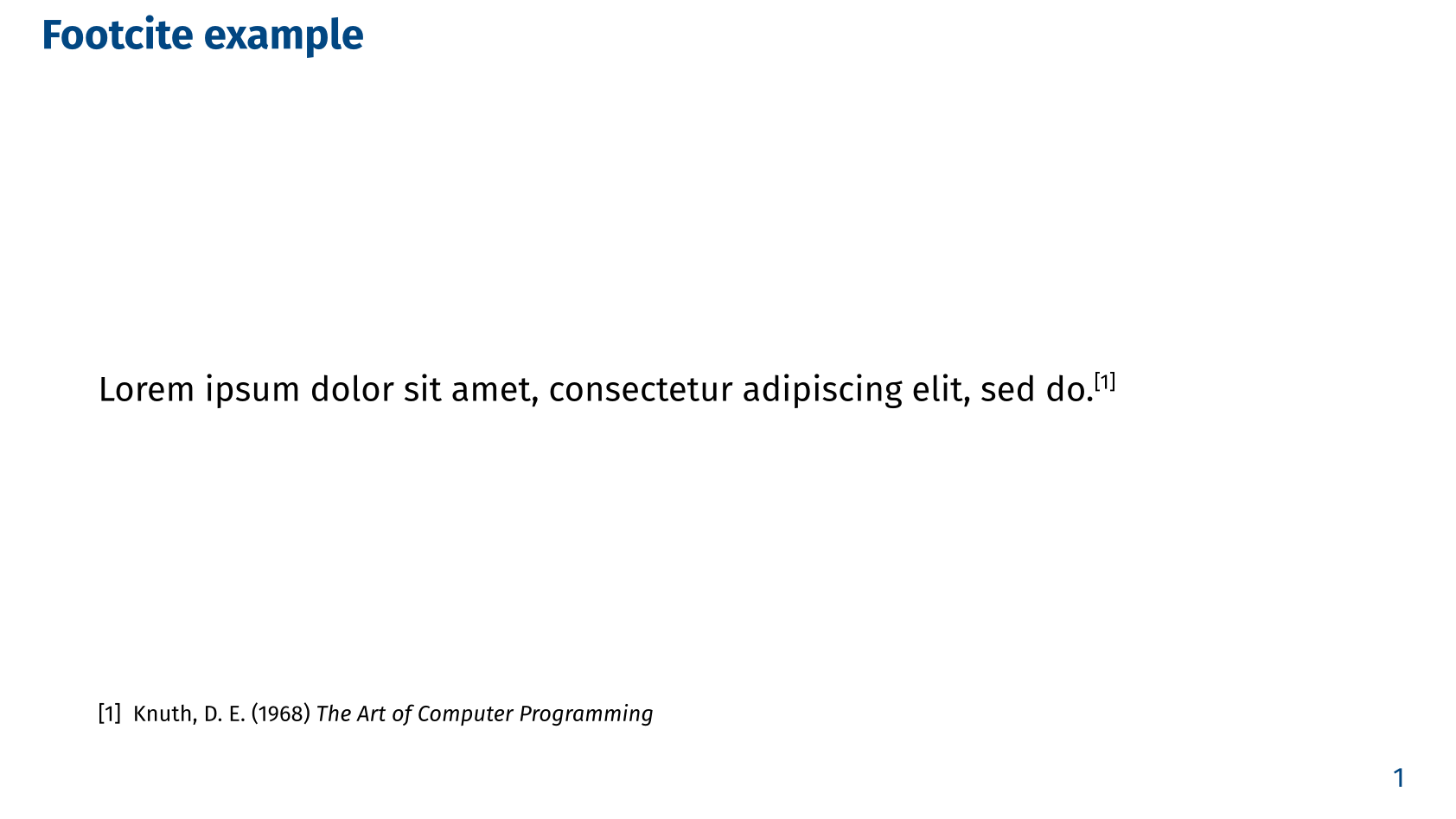
This function can be used directly in your slides. Alternatively, you can use the @ syntax to create a footnote for a citation. For example, @knuth creates a footnote for the reference with the citation key knuth. To call the function explicitly, use the #footcite(<key>) syntax, where <key> is the citation key.
#import "@preview/slydekit:0.5.0": *

#show: slydekit.with(...)

== Footcite example

#lorem(10)@knuth

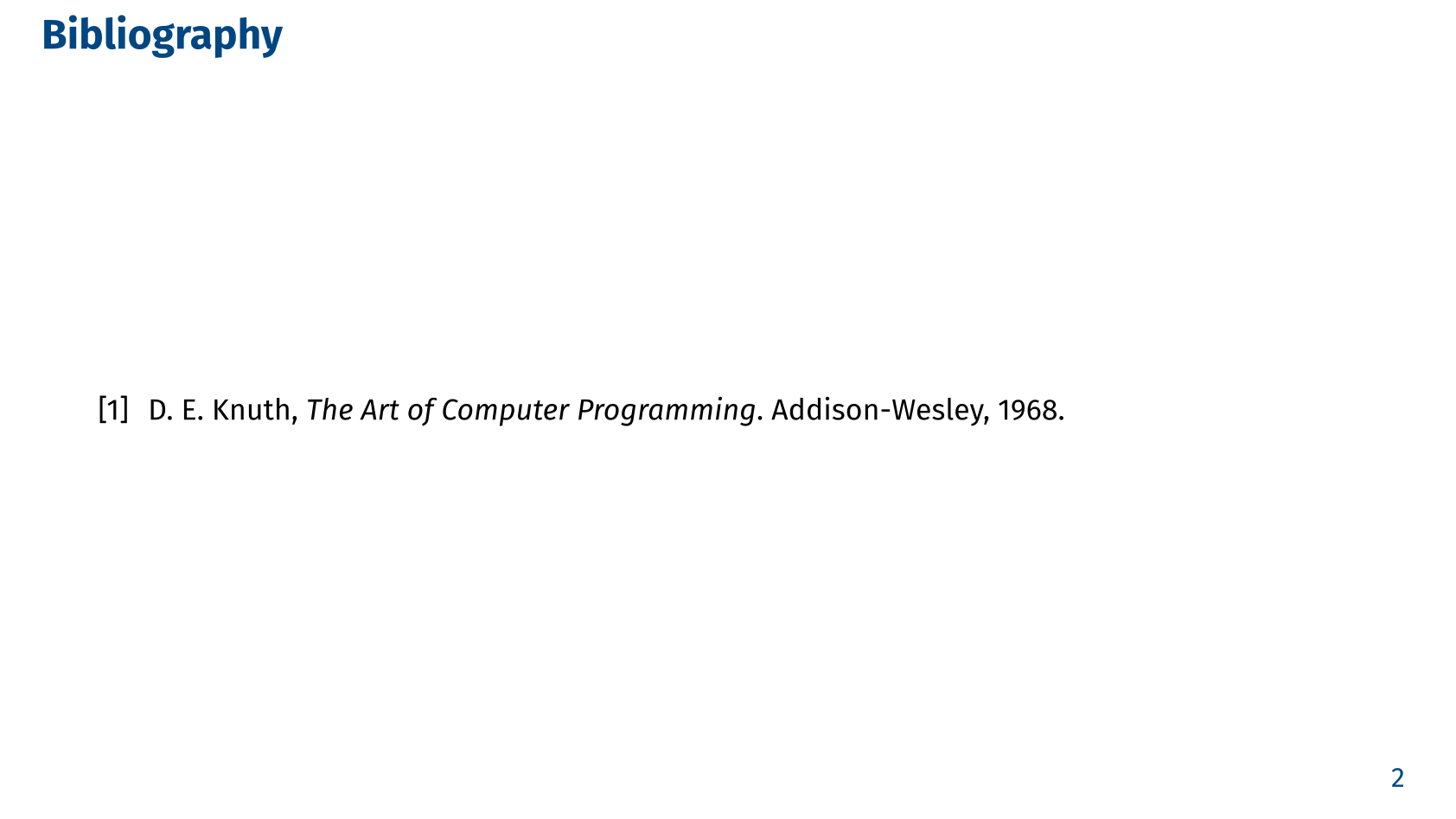
== Bibliography
#bibliography(
  bytes(
    raw(lang: "bib",
    "@book{knuth,
      title={The Art of Computer Programming},
      author={Donald E. Knuth},
      year={1968},
      publisher={Addison-Wesley},
    }").text
  ),
  style: "ieee",
)