Miscellaneous
Slydekit provides a set of additional functions that can be useful in various scenarios, particularly when creating your own theme.
Row image layout
The row-imgfunction allows you to display a set of images in a row. It is particularly useful for aligning logos or other images in a horizontal layout.
#let row-img(logos)logosAn array of images to be displayed in a row.
#let logos = (
  image("../assets/logo1.png"),
  image("../assets/logo2.png"),
  image("../assets/logo3.png"),
)

#row-img(logos)
Full-width block
The full-width function allows you to create a block that spans the entire width of the page. This can be useful for creating sections with a distinct background color or for highlighting important content.
#let full-width(
  fill: none,
  anchor: top,
  body
)fillThe background color of the full-width block. Default is none.
anchor – default: topThe anchor point of the full-width block.
bodyThe content to be displayed in the full-width block.
#full-width(anchor: bottom, progress-bar(rgb("#eb811b"), rgb("#d6c6b7"), height: 2.5pt))Adaptive column layout
The adaptive-columns function allows you to create a column layout that adapts to the available space. This function is inspired by the Touying adaptuve-columns function, but the code has been rewritten to fix some issues observed in the original implementation.
#let adaptive-columns(
  gutter: 4%,
  max-count: 3,
  start: none,
  end: none,
  body,
)gutter – default: 4%The space between columns.
max-count – default: 3The maximum number of columns.
start – default: noneContent to be displayed before the columns.
end – default: noneContent to be displayed after the columns.
bodyThe content to be displayed in the columns.
#set align(horizon)
#adaptive-columns(text(size: 1.2em, strong(outline(title:none, indent: 1em, depth: 1))))
Short or long title
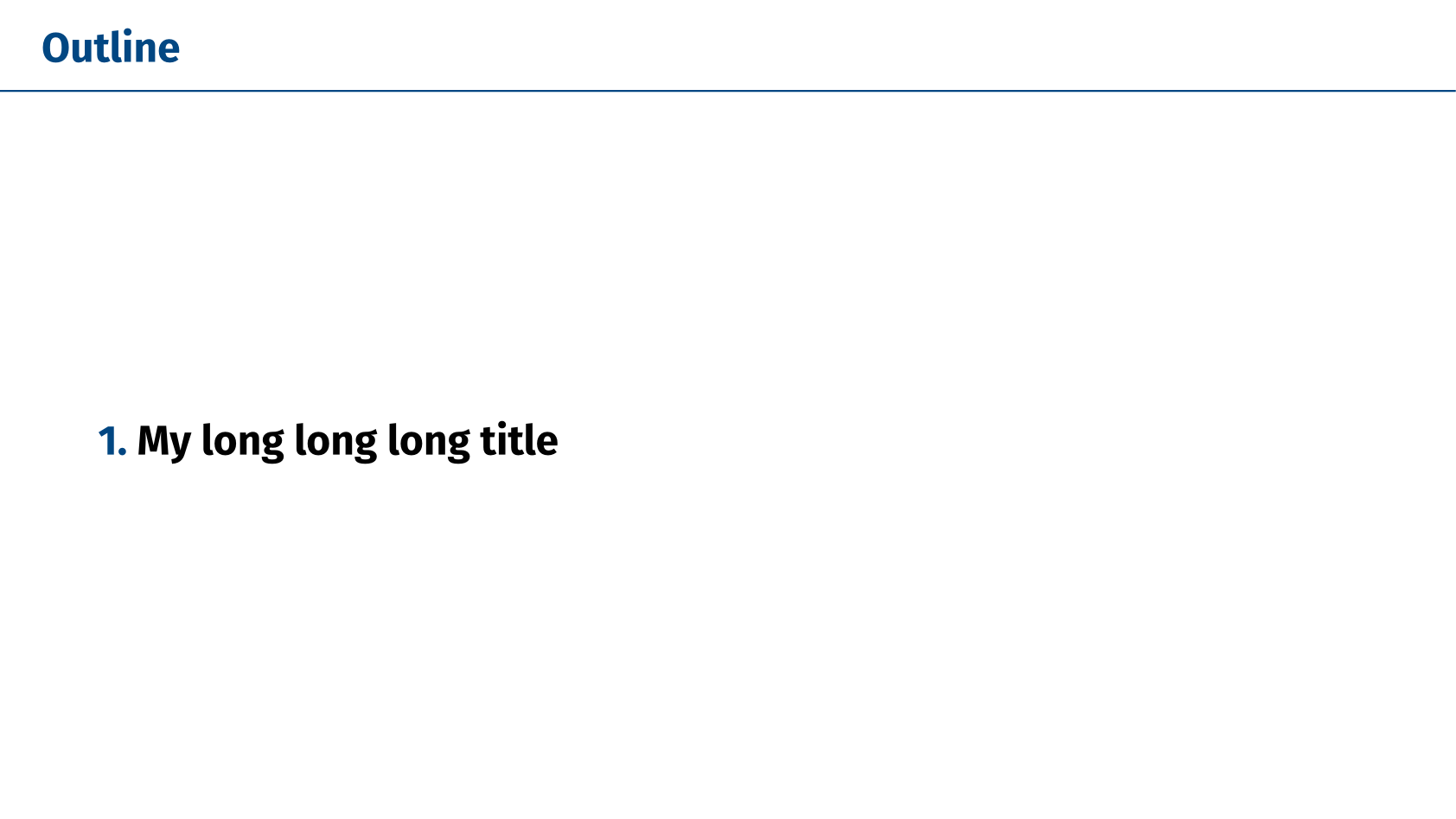
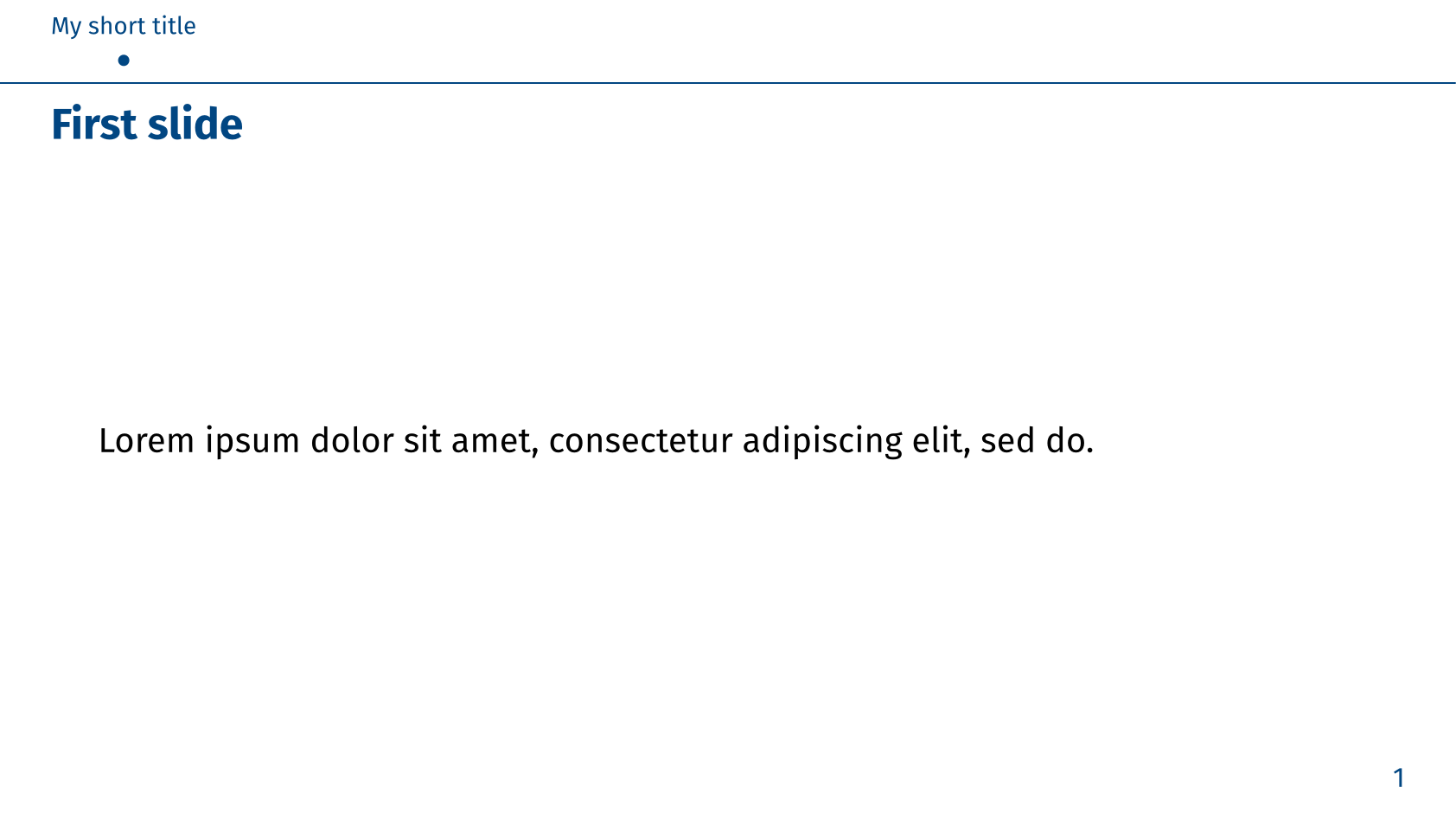
Sometimes, you may want to provide both a short and a long title for your sections. For instance, you might want to display a long title on the tableof contents or progressive-outline, while using a shorter version in the mini-slides navigation style. The short-or-long function allows you to specify both versions of the title.
#let short-or-long(
  short,
  long
)shortThe short version of the title.
longThe long version of the title.
#import "@preview/slydekit:0.5.0": *

#show: slydekit.with(
  navigation-style: "minislide",
)

= #short-or-long[My short title][My long long long title]

== First slide

#lorem(10)